Rev. 1.2 (12.2021) MINI-CUBE | SERVICE MANUAL 26
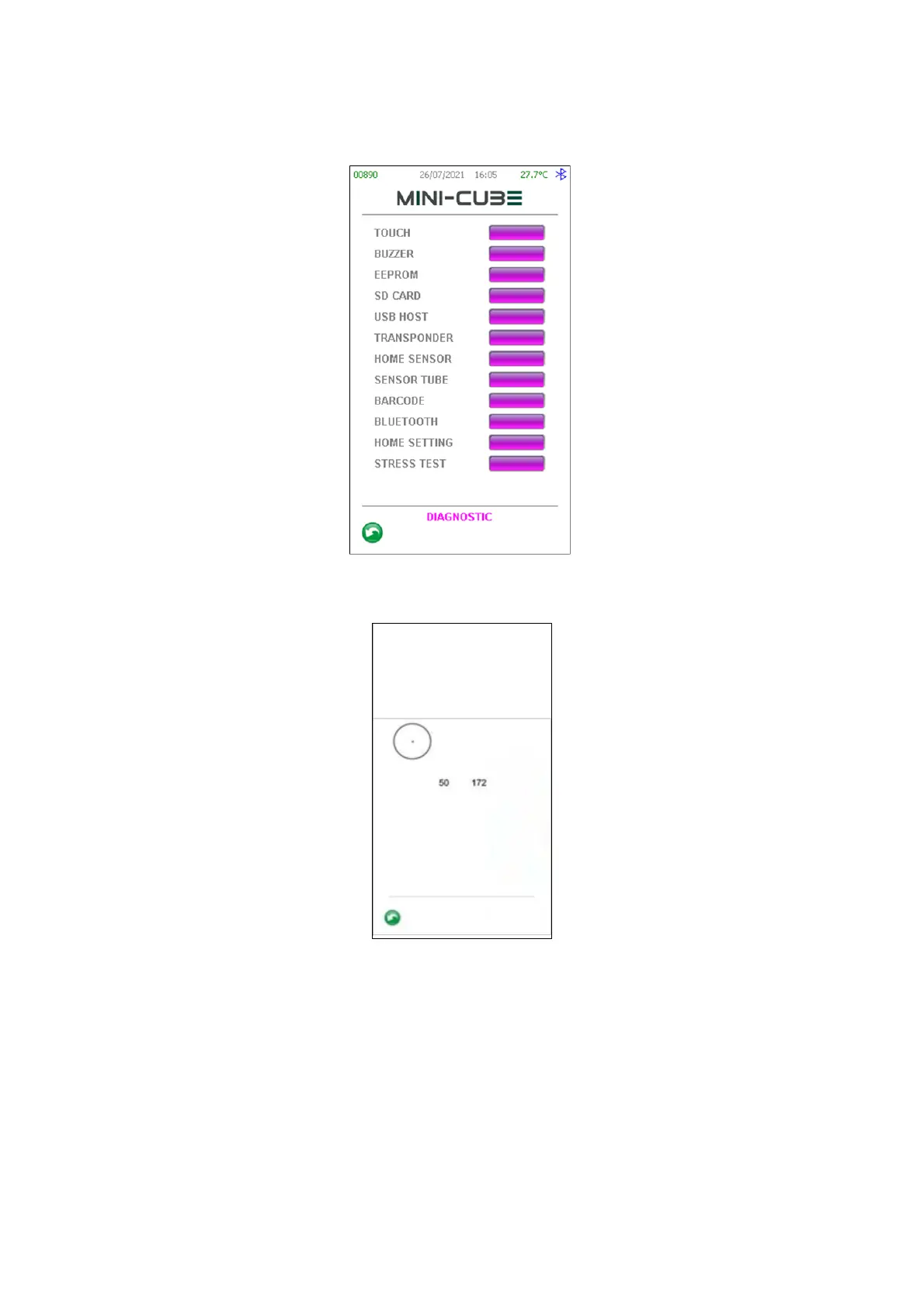
3.1.3 Diagnostics functions
Figure 21
3.1.3.1 Touch panel test
Figure 22
Using a pen, touch the panel in various points and check the following coordinates:
• The Top-Left corner has coordinates (0; 0);
• The Bottom-Right corner has coordinates (272; 480);
If there is a misalignment between the point touched and the dot draw on the display,
a touch calibration is needed.



 To Next Page