Rev. 1.2 (12.2021) MINI-CUBE | SERVICE MANUAL 27
3.1.3.2 Touch panel calibration
To enter the touch panel calibration, proceed as follow:
a. Power off the instrument;
b. Press the touch panel and power on the instrument, keeping the touch
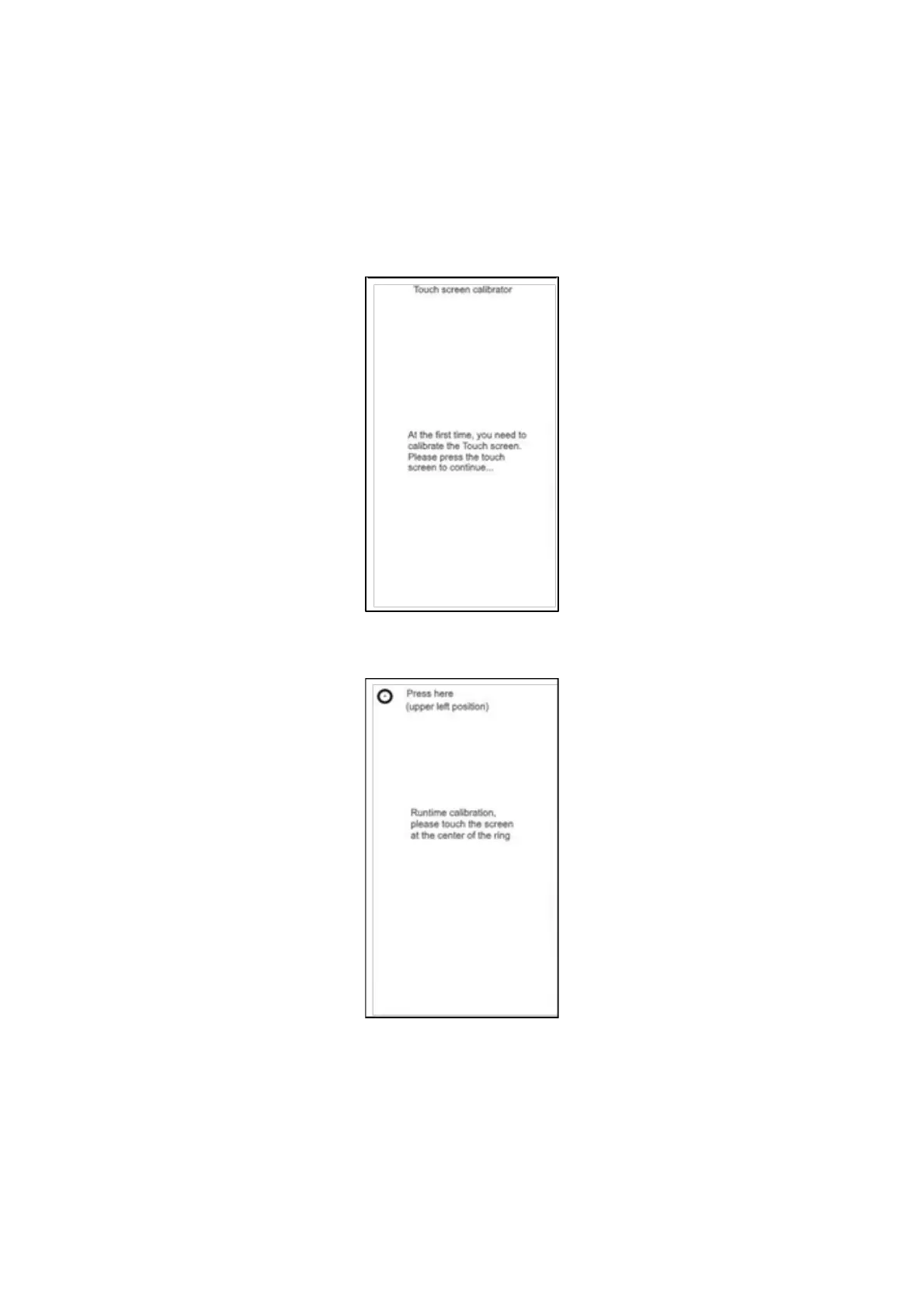
panel pressed, until the following page appears on the display:
Figure 23
c. Release the touch panel to access the calibration page:
Figure 24
d. Press the center of the small circles, drawn using a pen; at the end of the
procedure, the new values will be saved.
3.1.3.3 Buzzer test
Press Buzzer from the Diagnostics menu to hear the sound generated by the Buzzer.


 To Next Page
 Loading...




