Rev. 1.2 (12.2021) MINI-CUBE | SERVICE MANUAL 28
3.1.3.4 EEPROM test
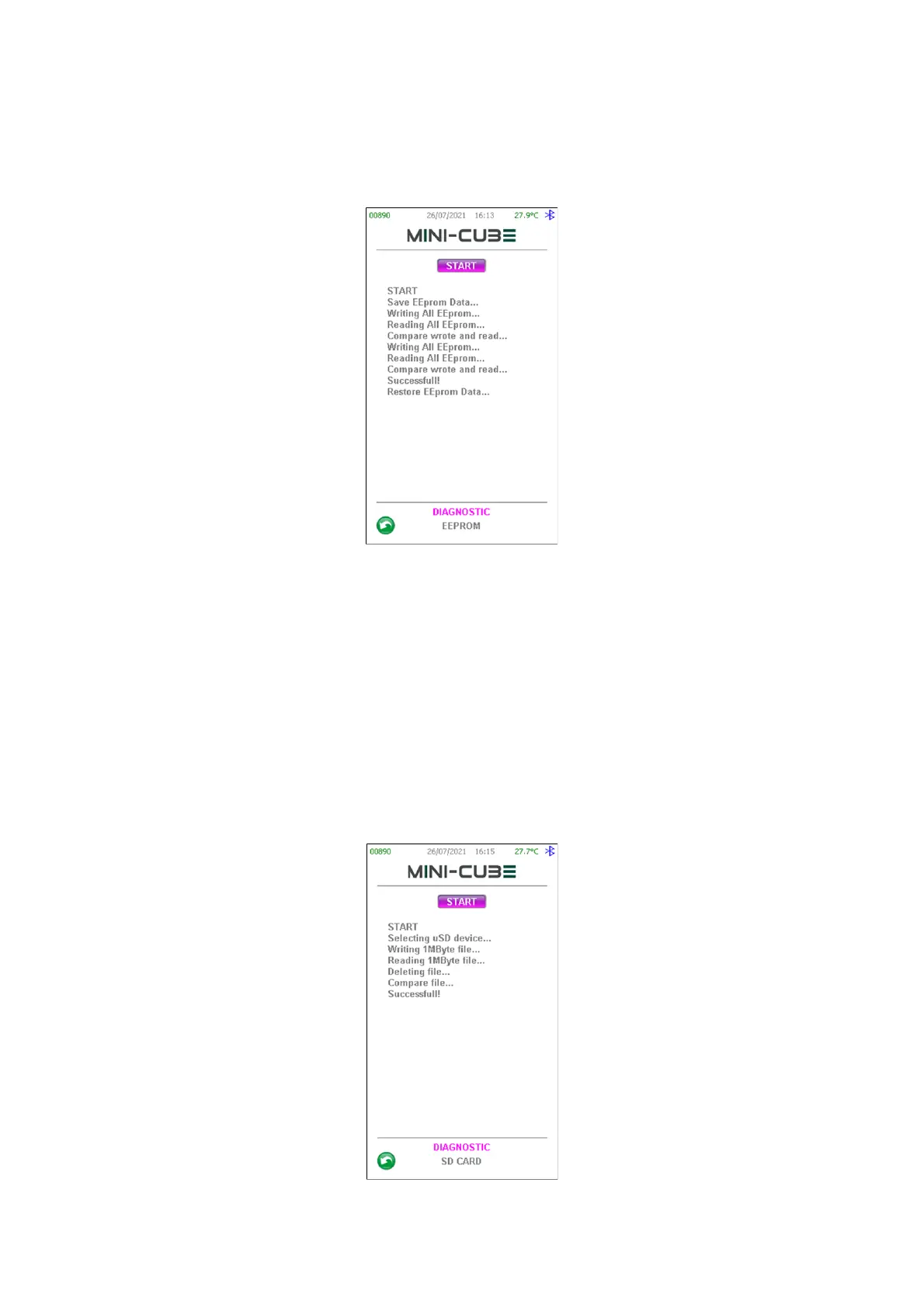
Press EEPROM to enter in the EEPROM test page, then press START to execute the
procedures shown in the picture below:
Figure 25
At the end of the procedures, the initial content of the EEPROM memory is restored.
WARNING: if the procedure fails or the power supply is removed during the test, the
EEPROM content will be lost! Pay attention to export the EEPROM on a USB PENDRIVE
before starting this test.
3.1.3.5 Sd card test
Press SD CARD to access the internal SD CARD test page, then press START to execute
the procedures shown in the picture below:
Figure 26


 To Next Page
 Loading...




