Rev. 1.2 (12.2021) MINI-CUBE | SERVICE MANUAL 57
Timeout on ACK Message: 1 Sec.
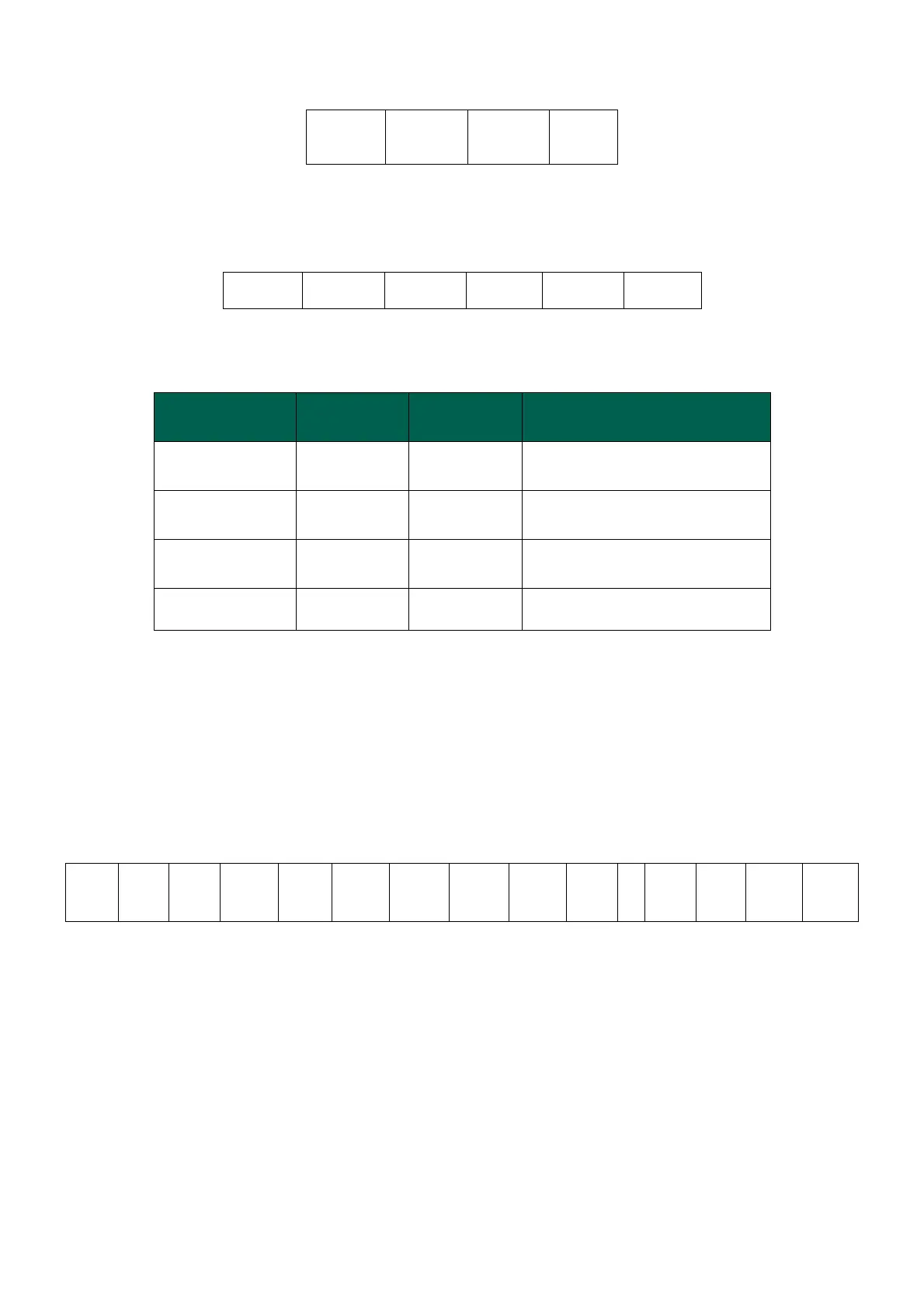
NACK Message
where: H-ERR / L-ERR are the HEX-ASCII representation of the error code defined
according to the following table:
Error field value
H-LEN / L-LEN
Message for sending QC (Quality Control) sample data: Command 0x52
This message is sent by the Mini Cube towards the host computer. The message
contains the results of the analyses performed on one or more samples. The host
computer must only reply to this message with an ACK or NACK type message to notify
the successful receipt of the results or the presence of errors in the message.
Command: MINI-CUBE sends the following frame:
The hexadecimal values indicated in brackets are constant values for this message. The
fields in bold print are the variable ones and are described below:
H-LEN / L-LEN:
Length of the data field, from Data-1 to Data-n inclusive, represented in HEX-ASCII.
Maximum Value ‘F’ (0x46) / ‘F’ (0x46). This is the effective number of bytes contained in
the data field. In fact, the maximum number of bytes contained in the DATA field is 255.
Data-1 .. Data-n:



 To Next Page