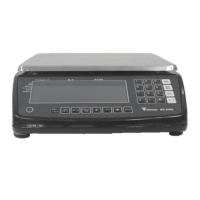
DS-425 Service Manual
3. Main Operation
3.1. System On
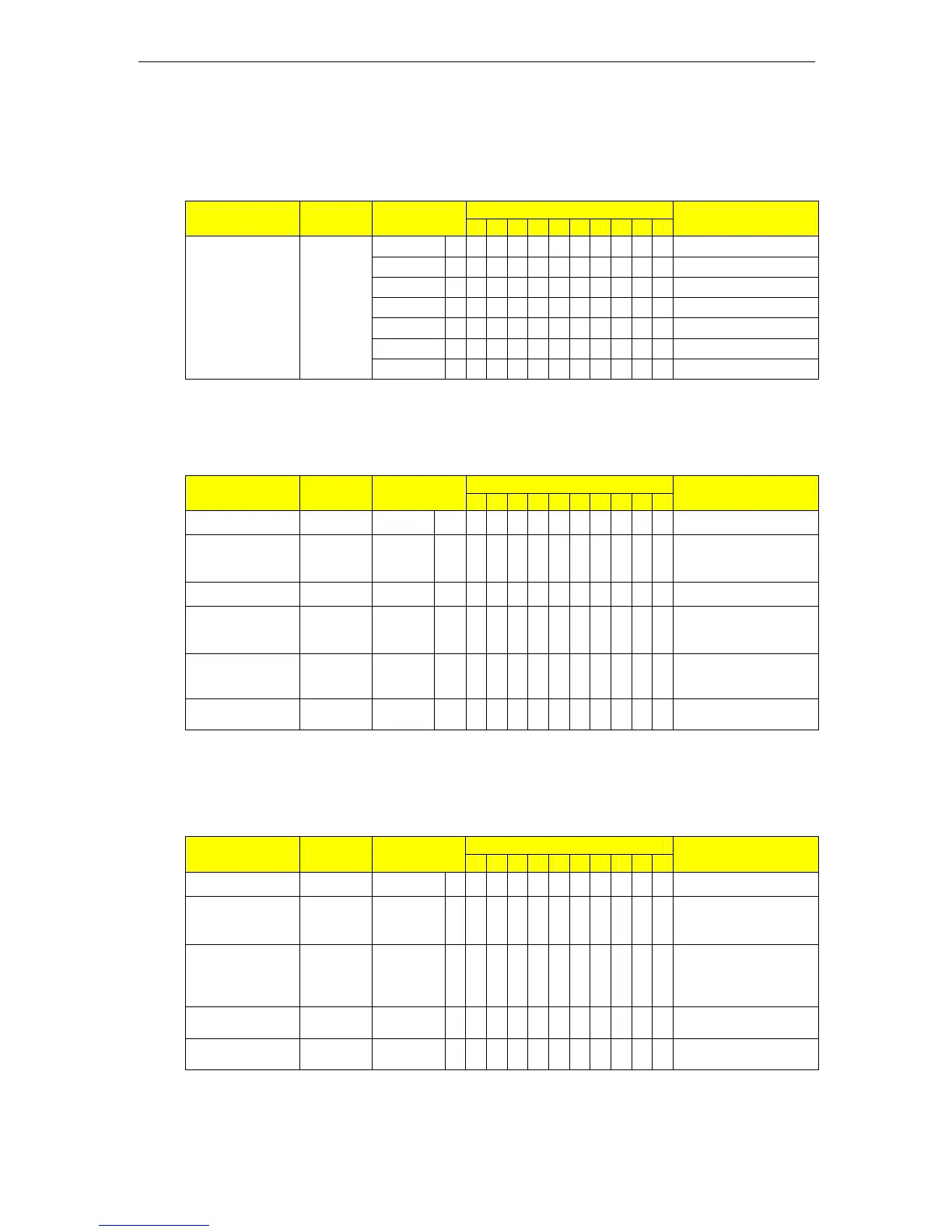
Indication Flag: B - Bright S - Sparkling
1-ZERO 2-NET 3-STD 4-U.C 5-SAF 6-SAC 7-S1 8-S2 9-S3 10-S4
Indicator
Operation Key Weight
1 2 3 4 5 6 7 8 9 10
Remarks
dS-425 Model Name
Ur. 1.00 Software Version
000000 Segment Checking
111111
999999
Press [On/Off] [On/Off]
0.0000 kg B B Weighing Mode
3.2. One Touch Tare
Indication Flag: B - Bright S - Sparkling
1-ZERO 2-NET 3-STD 4-U.C 5-SAF 6-SAC 7-S1 8-S2 9-S3 10-S4
Indicator
Operation Key Weight
1 2 3 4 5 6 7 8 9 10
Remarks
Weight Stable
0.0000 kg B
B
Weighing mode
Load tare
weight on
1.2220 kg
B
Weight display
Excute tare [Tare]
0.0000 kg
BB
Net display
Load more
weighing
1.0000 kg
BB
Remove all
items
-1.2220 kg B B B
Minus tare weight
Tare clear [Tare]
0.0000 kg B
B
Weighing mode
Note: This operation is based on No Auto TARE CLEAR, SPEC10 BIT1=0.
3.3. Digital Tare Operation
Indication Flag: B - Bright S - Sparkling
1-ZERO 2-NET 3-STD 4-U.C 5-SAF 6-SAC 7-S1 8-S2 9-S3 10-S4
Indicator
Operation Key Weight
1 2 3 4 5 6 7 8 9 10
Remarks
Weight Stable 0.0000
kg B
B
Weighing mode
Enter into tare
setting mode
[Shift] 0.0000
kg B
B
Right digit is blinking
Set tare value
[Shift]
[Shift]
[INC]
0.00100
kg B
B
Tare weight set
Excute tare [Tare] -0.00100
kgBBB
Minus tare weight
Tare clear [Tare] 0.0000
kg B
B
Weighing mode
Note: This function is available when SPEC10 BIT2=1 only.
03 Main Operation Page No. 11


 To Next Page