19
IOX
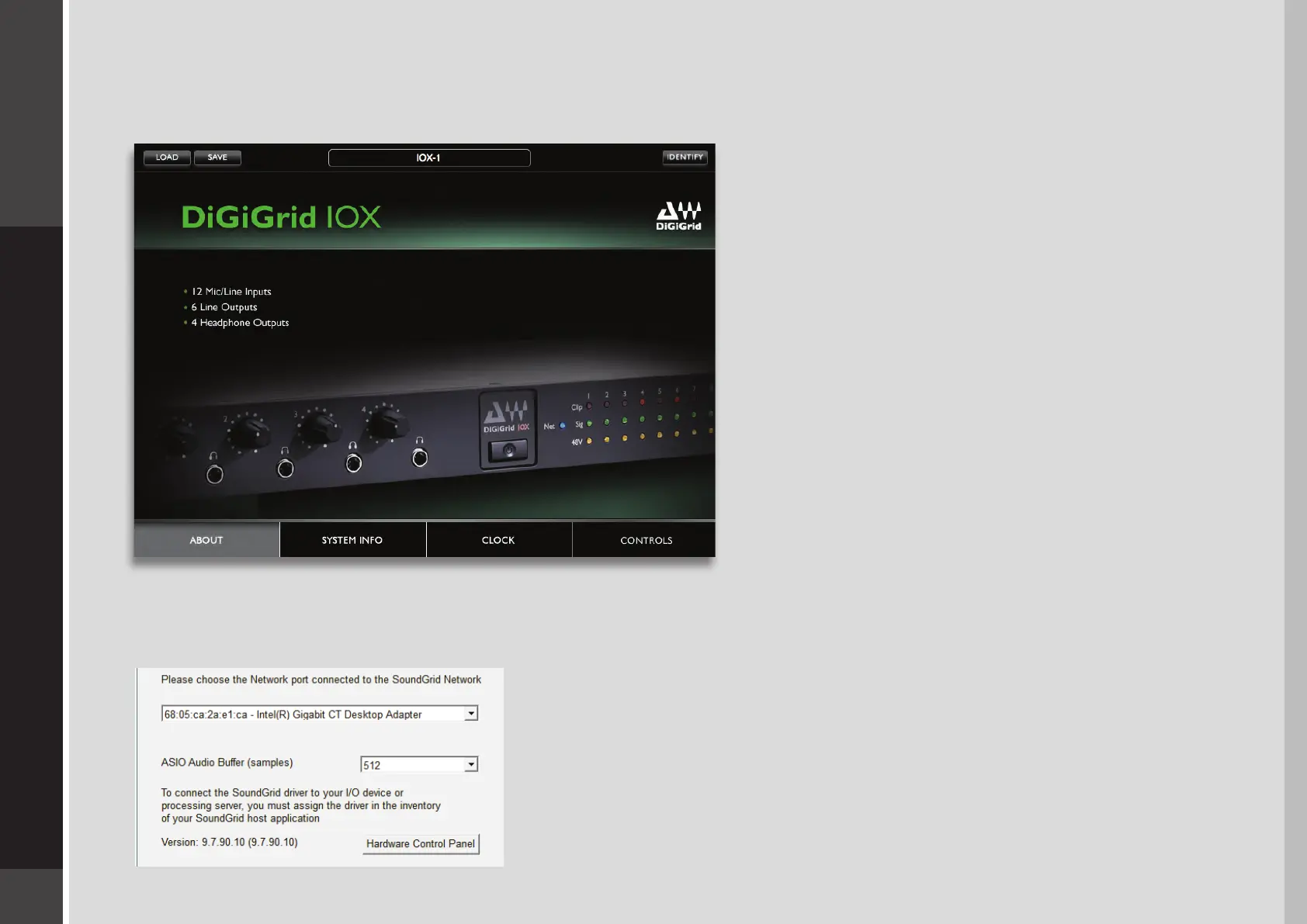
From the IOX Control Panel you can manage:
■
Clock settings: source, sample rate, type, clock status
■
Microphone preamp controls: input gain, phantom on/o
■
Output levels
In addition, there are input and output meters.
Pressing the “Hardware Control Panel” button on the Driver
Control Panel app will open the control panels of all I/O
devices assigned to your SoundGrid application. If none are
assigned, nothing will happen.
The Driver Control Panel app is located here:
PC: C:\Program Files (x86)\Waves\SoundGrid\Driver Control Panel
Mac: System HD/Applications/Waves/SoundGrid


 To Next Page