27
IOX
6. ADDING A SERVER TO THE IOX
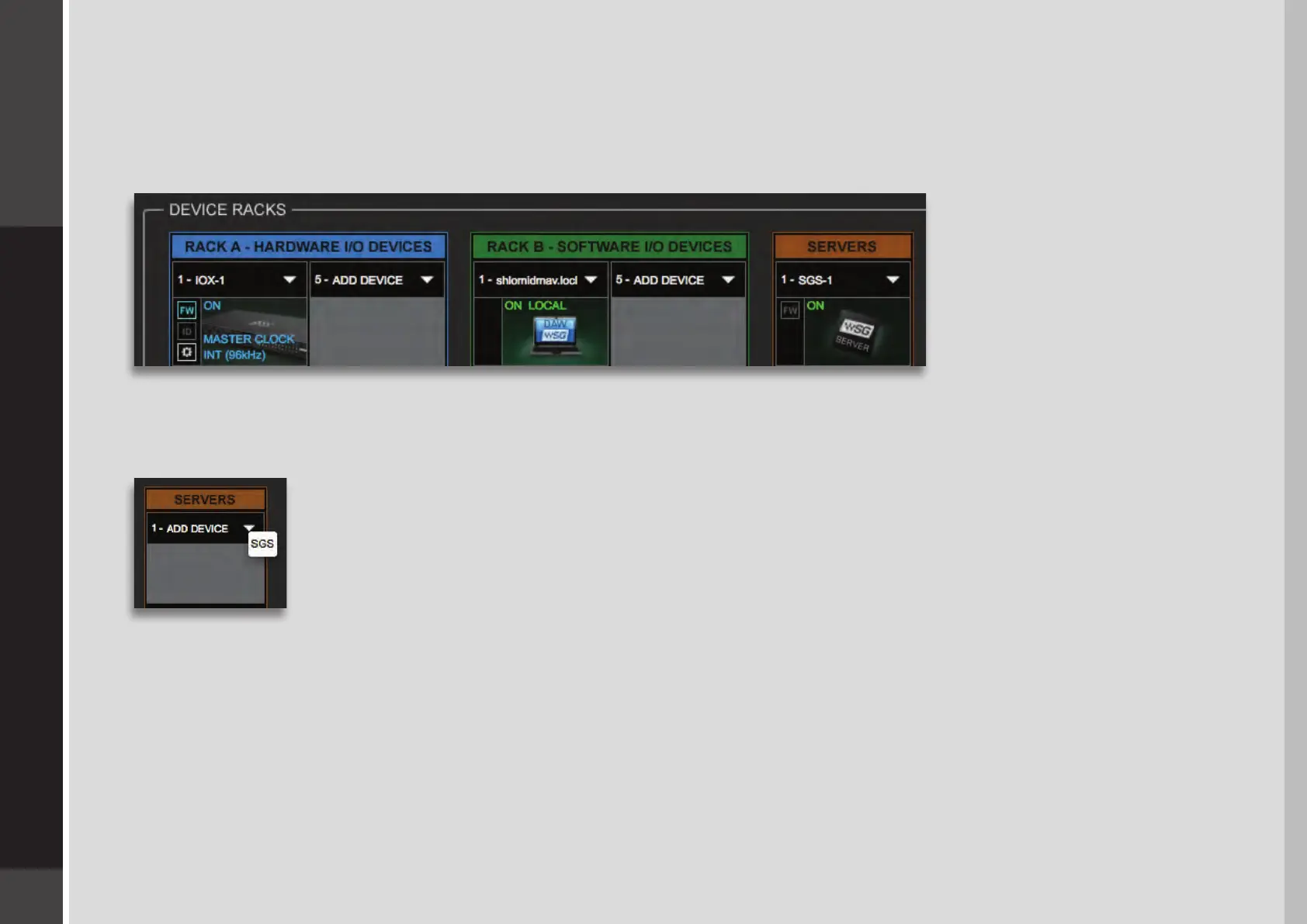
When you connect a server to the host computer and run the SoundGrid Studio Wizard, the server is assigned and congured
for the host. Normally that’s all you need to do. The server appears in the SoundGrid Studio Server rack, and the IOX is seen in the
Hardware I/O rack.
To assign, free, or rename a server, click on the arrow to reveal the list of available servers, select a server from the list, and remove or
assign the server.
A server cannot be shared by multiple SoundGrid host applications such as SoundGrid Studio or MultiRack.
Within a SoundGrid network, only one computer can utilize a server’s processing power for StudioRack and
the eMotion ST mixer. Once assigned to a computer, a server remains unavailable to all other computers until
released by the user. For further details, refer to the SoundGrid Studio Application manual.


 To Next Page