D2-912 User Manual | 9
1.7 Text Input
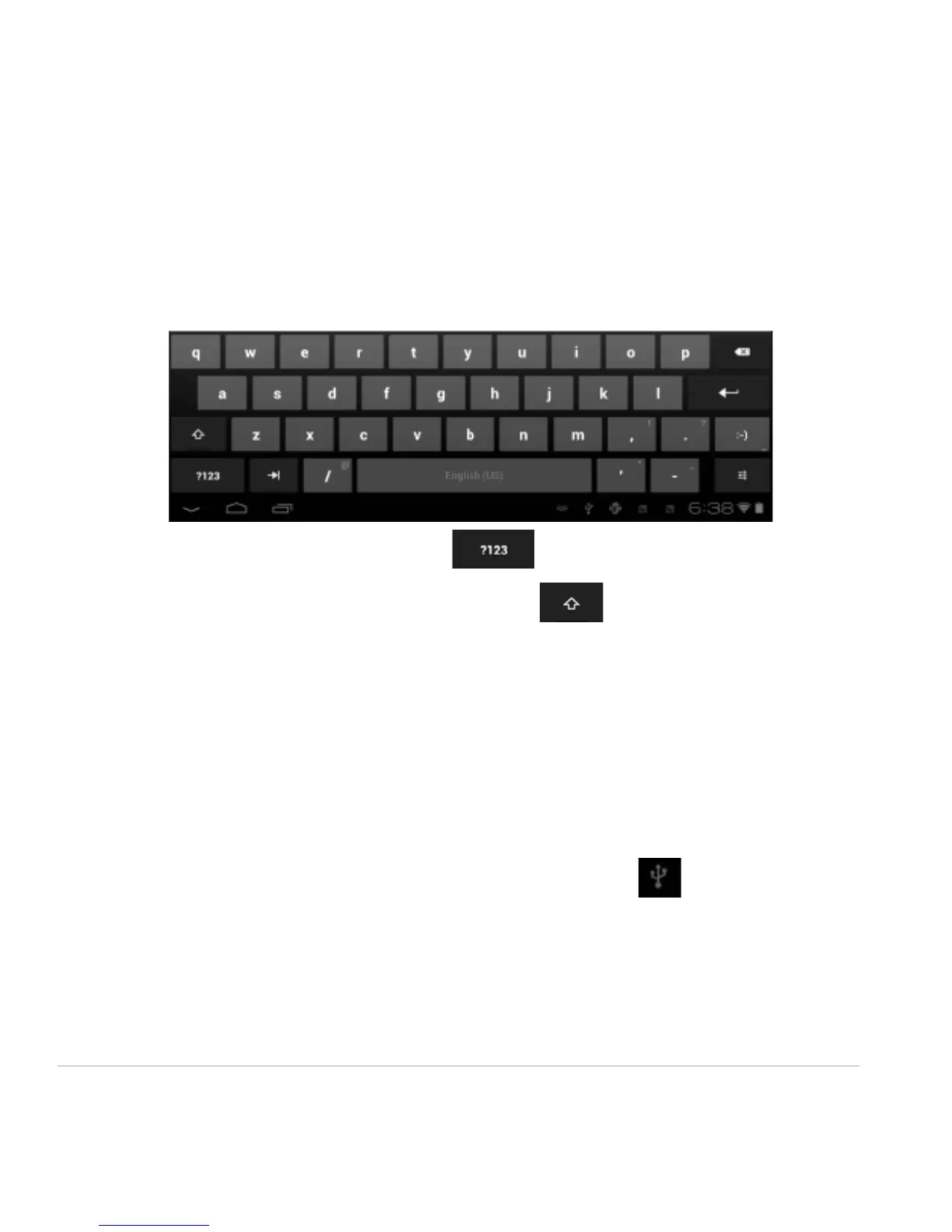
When using the tablet, you may use its virtual keyboard to enter text, numbers and symbols directly by
touching the screen. After tapping into a text input area, the default keyboard will appear as shown
below:
To alternate between numbers and letters, press
To alternate between uppercase and lowercase letter, press
1.8 Reset
Pin and hold the reset button on the side of the device for 10 seconds to restart and reset the system.
1.9 USB Connection (Connect between Tablet & Computer)
When connecting the tablet to your PC via the in-box USB cable, this icon will appear on the
bottom right tool bar. Click on it, and then click Turn on USB storage to connect your devices. The
device of your tablet should then appear on your PC under My Computer as “D2-912”.



 To Next Page