D2-912 User Manual | 10
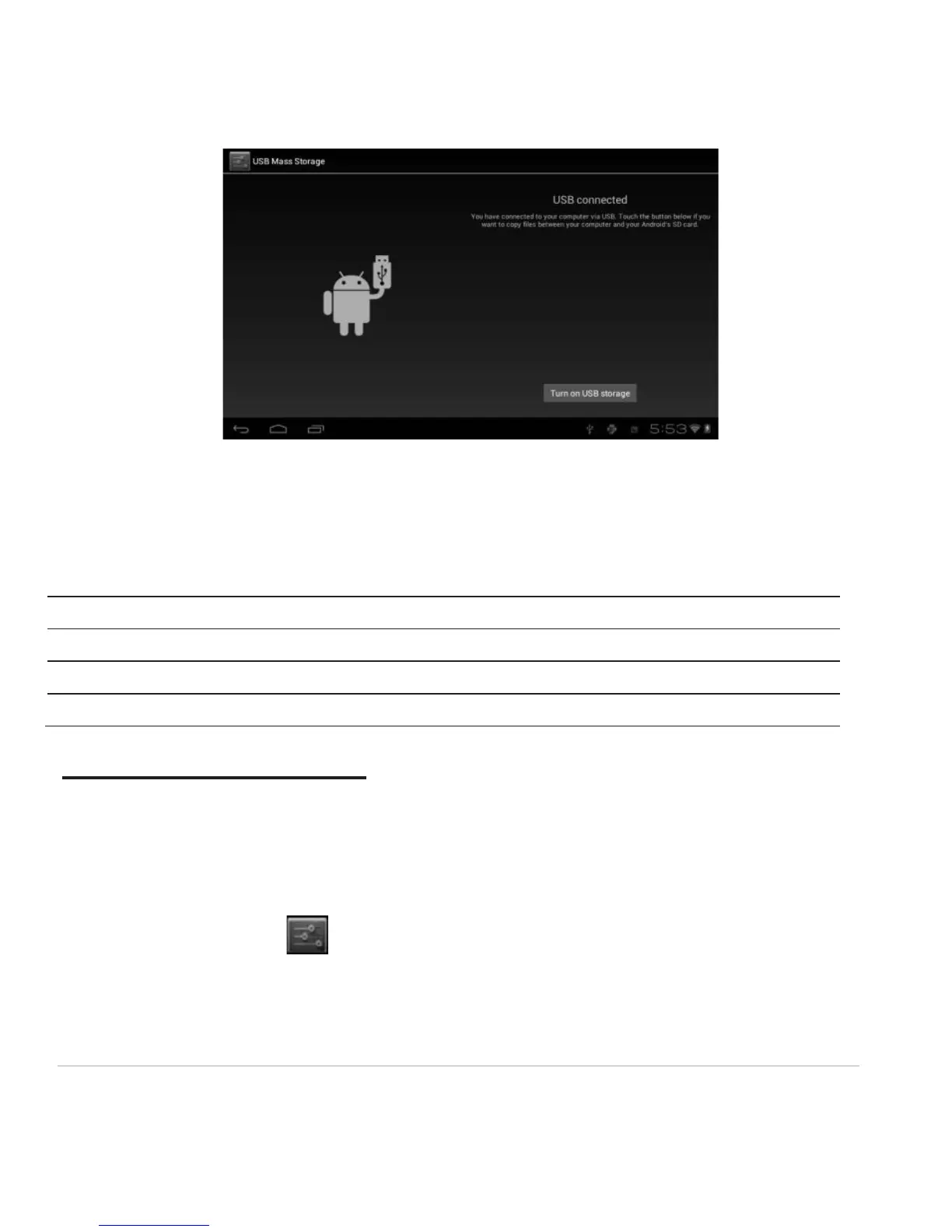
Turn off USB storage to disconnect your tablet from the PC. Otherwise, you might be able to operate
some of the apps properly on your tablet.
1.10 Accessories
Chapter Two: Internet
2.1 Wi-Fi and Network
Network support is needed to use the web browser. If you experience any network problems, please
contact your wireless service provider.
From the home screen, click to enter Settings. Turn on Wi-Fi and find your wireless network. Sign
in with your Wi-Fi password. Once connected, Wi-Fi connectivity icon will be shown at the right side of
tool bar. You may also click [+] Add network to manually input your wireless network if it does not
appear on the list, but is within range.



 To Next Page