D2-912 User Manual | 17
3.7 Downloads
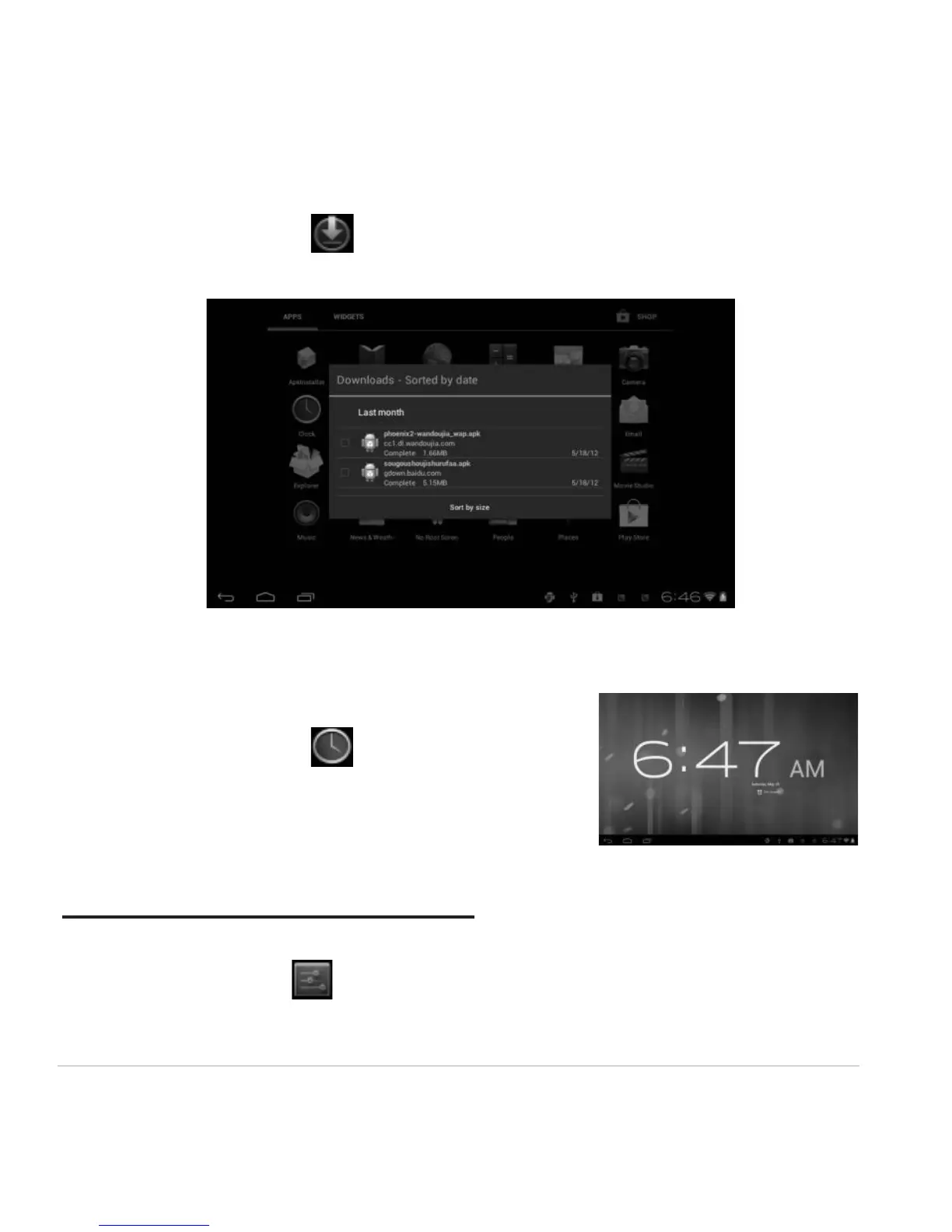
From your Application list, click to see all downloaded items and in-progress downloads.
Click the box next to an item, then click the trash can icon to delete its contents.
3.8 Clock
From your Application list, click to enter the clock interface.
Under the time and date, click Set alarm to add an alarm.
Chapter Four: System Settings
From your homescreen, click to enter the system settings interface.



 To Next Page