D2-912 User Manual | 14
3.3 Music
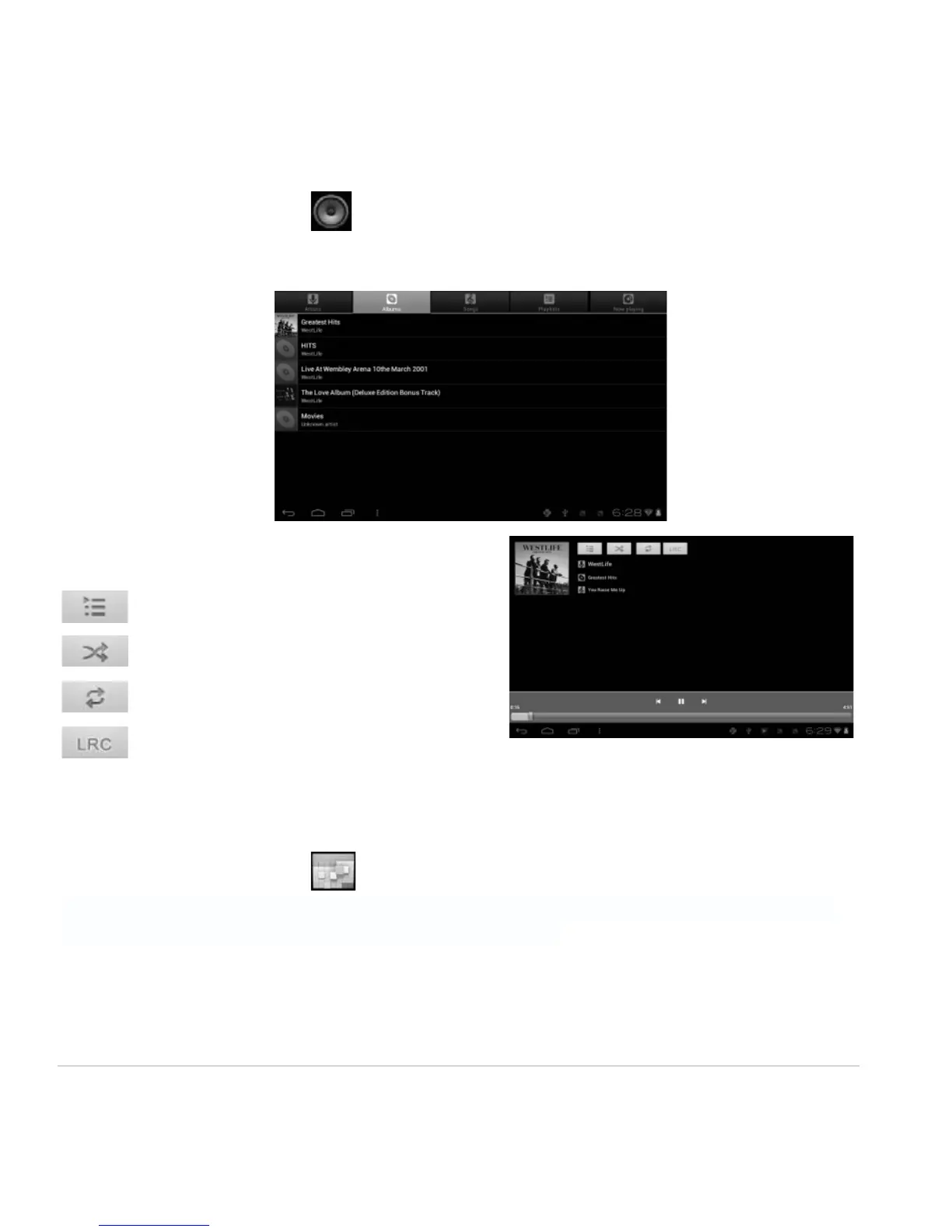
From your Application list, click to open the music player.
The song list may be displayed alphabetically by artist name, album name, or song title.
Click on a song to play it.
Playlist
Random Play (Shuffle)
Repeat
Lyrics
3.4 Calendar
From your Application list, click to open the calendar.
On your first time entering the calendar interface, it will remind to add your Google account, which
facilitates more options. If you do not need to set it, click Later.
Date View: Press and hold to an event to view, edit, or delete it. Press and hold a blank area to add a
new event.
Week View: Press and hold to an event to view, edit, or delete it. Press and hold a blank area to add a
new event.



 To Next Page