D2-912 User Manual | 7
1.3 Enter and Exit Standby Mode
Enter standby mode
To save power while the unit is on but inactive, tap the power button to enter standby mode.
Exit standby mode
While the unit is in standby mode, tap the power button to resume activity.
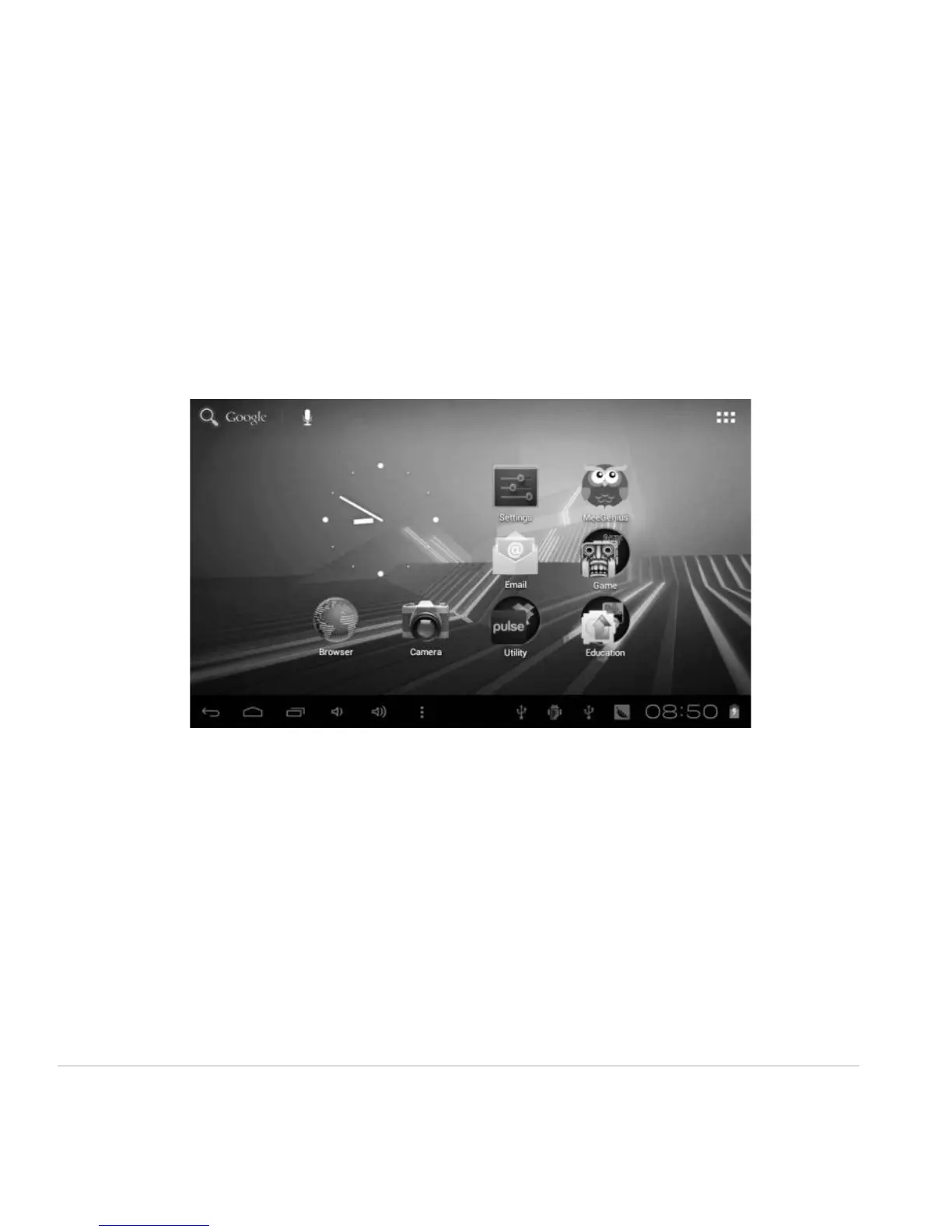
1.4 Home Screen
• Add application shortcuts: Press and hold an application icon from the Application list and drag the
icon to the home screen to add as shortcut.
• Remove application shortcuts: Press and hold an application icon in the home screen as the top of the
screen displays an “X”. Drag the application icon towards the “X” until it turns red, and then release the
hold to remove the application shortcut.
1.5 Lock and Unlock Screen
Lock
You may set an idle timeframe after which the unit automatically enters standby. The system will sleep
and the screen will lock if it is inactive for the set amount of time.



 To Next Page