D2-912 User Manual | 13
Camera Mode
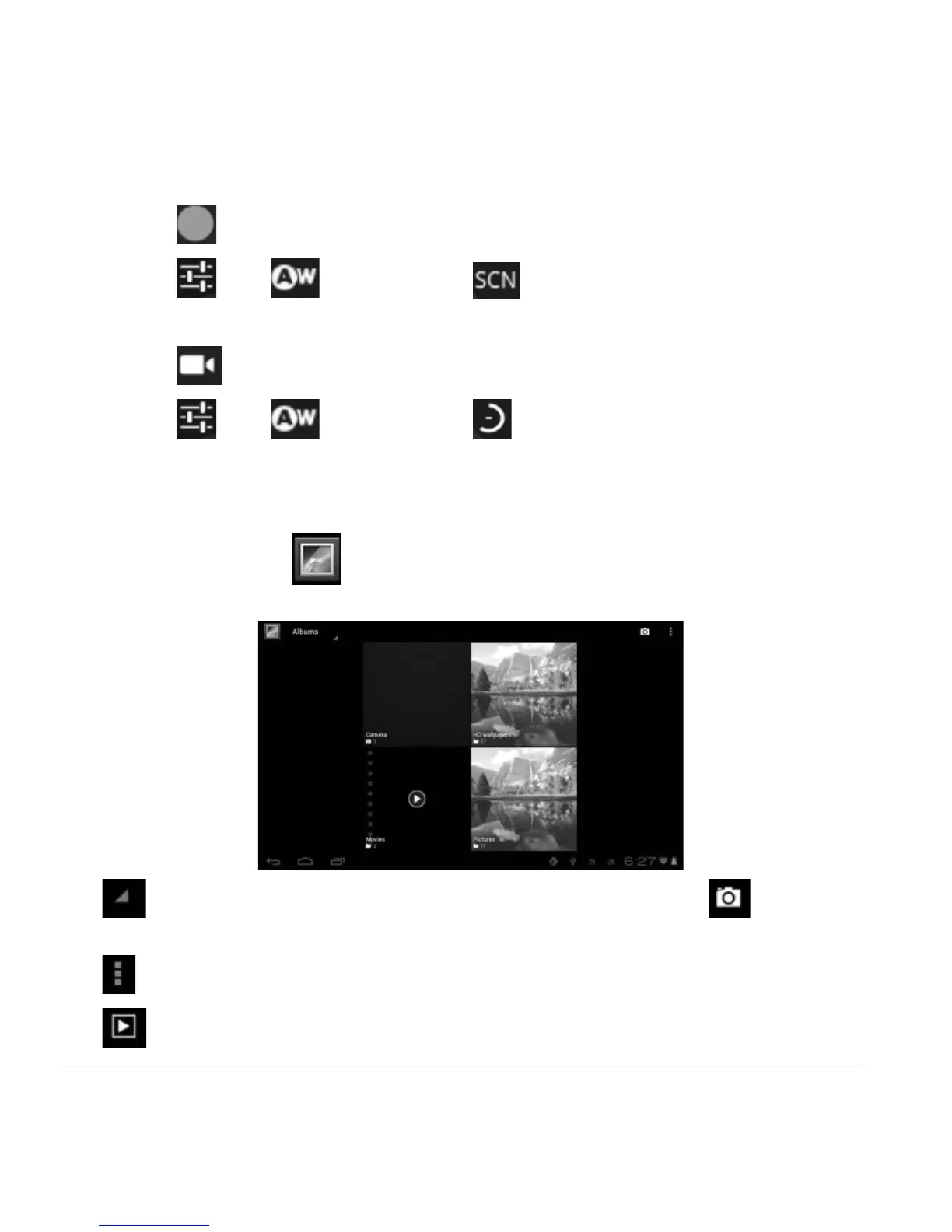
Click to take a picture.
Click to set white balance and scene mode.
Video Mode
Click to enter video mode. Press the red button to record.
Click to set white balance and time lapse interval.
3.2 Gallery
From your homescreen, click to view all pictures and videos saved onto the tablet.
Click to display the pictures by Albums, Location, Time, People or Tags. Click to enter
camera mode.
Click to choose an album to edit or delete.
Click to activate slide show within an album.



 To Next Page