D2-912 User Manual | 15
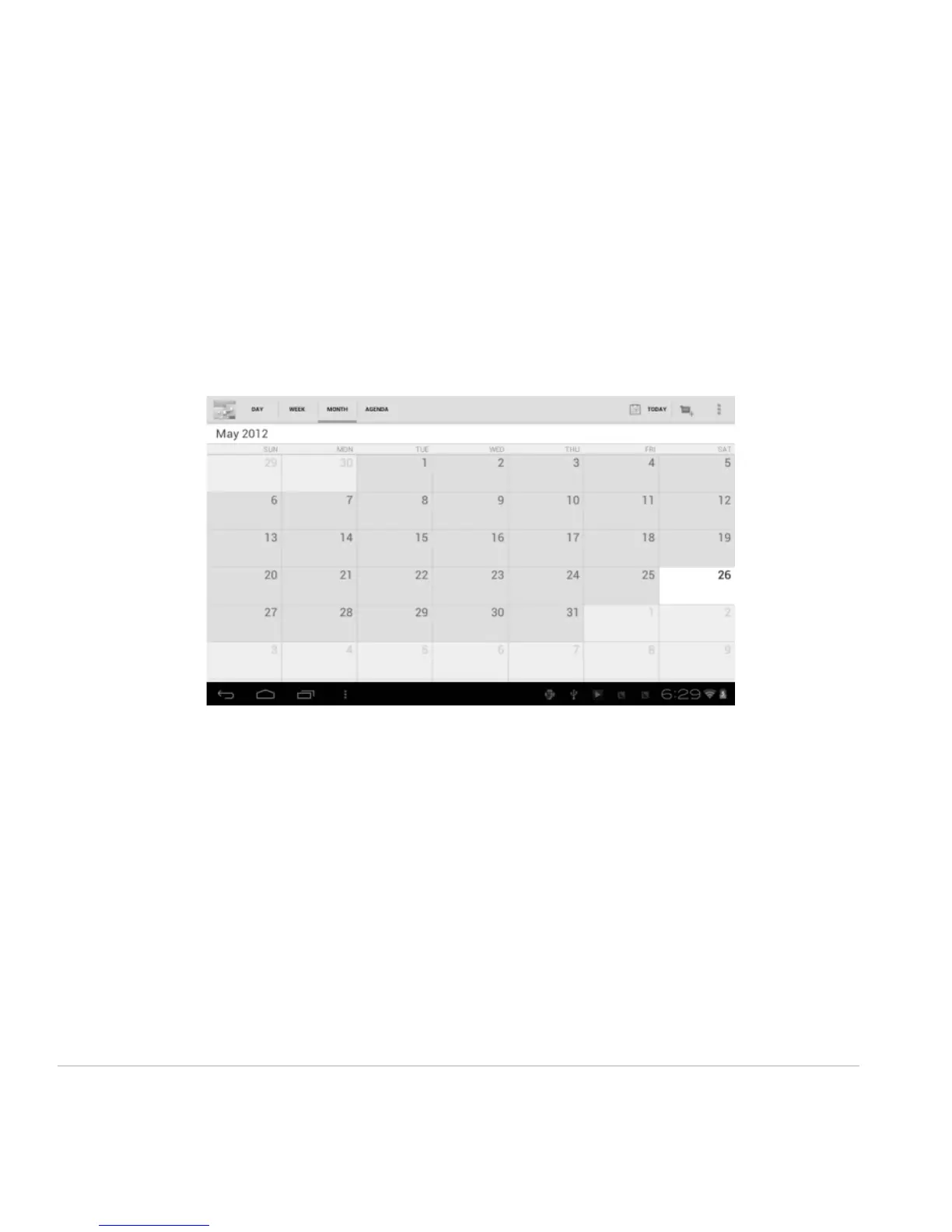
Month View: Click on a date, then press and hold to an event to view, edit, or delete it. Press and hold a
blank area to add a new event.
Agenda: Lists all saved events. Click to read details.
Touch the “Today” icon at any time to return to the current date.
3.6 E-mail
Network support is needed to use E-mail. If you experience any network problems, please contact your
wireless service provider.
Add account
Upon your first time entering the E-mail app, you will be asked to set up an E-mail account.
To add more accounts after set-up, click Settings on the top right corner of the page, then select Add
account.



 To Next Page