D2-912 User Manual | 16
Compose E-mail
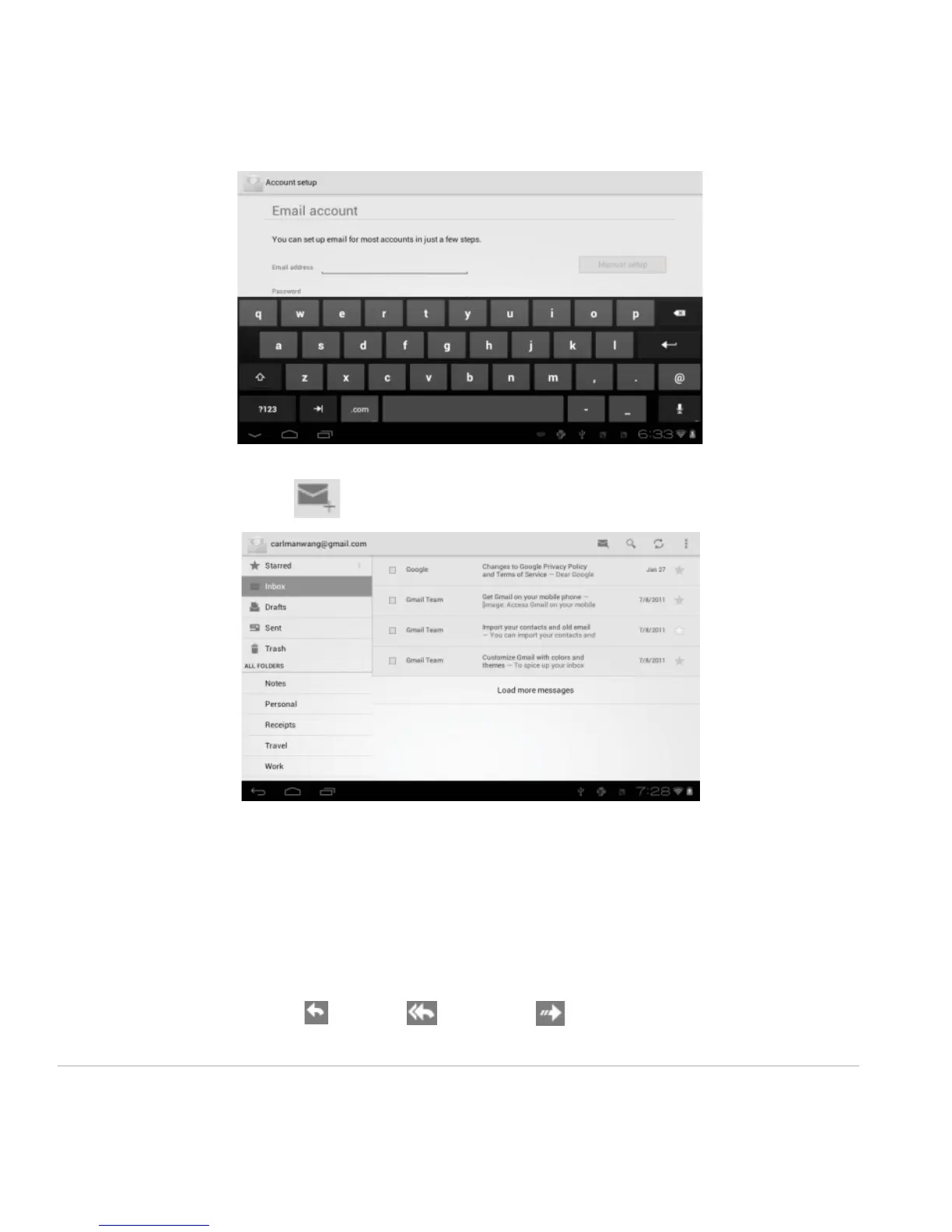
From the inbox, you can click on the top of the screen to compose an E-mail.
Enter the recipient’s E-mail address on the “To” address line, and then proceed to fill in the subject and
E-mail content.
Add Attachment
To add attachment(s) while composing an E-mail, click on the three squares icon on the top right corner
of the screen. Select Attach file.
Reply and Forward
To forward or reply to an E-mail, open the message to find a blue menu bar next to the Sender’s name
and E-mail address. Click reply , reply all , or forward to perform those functions.



 To Next Page