D2-912 User Manual | 8
Unlock
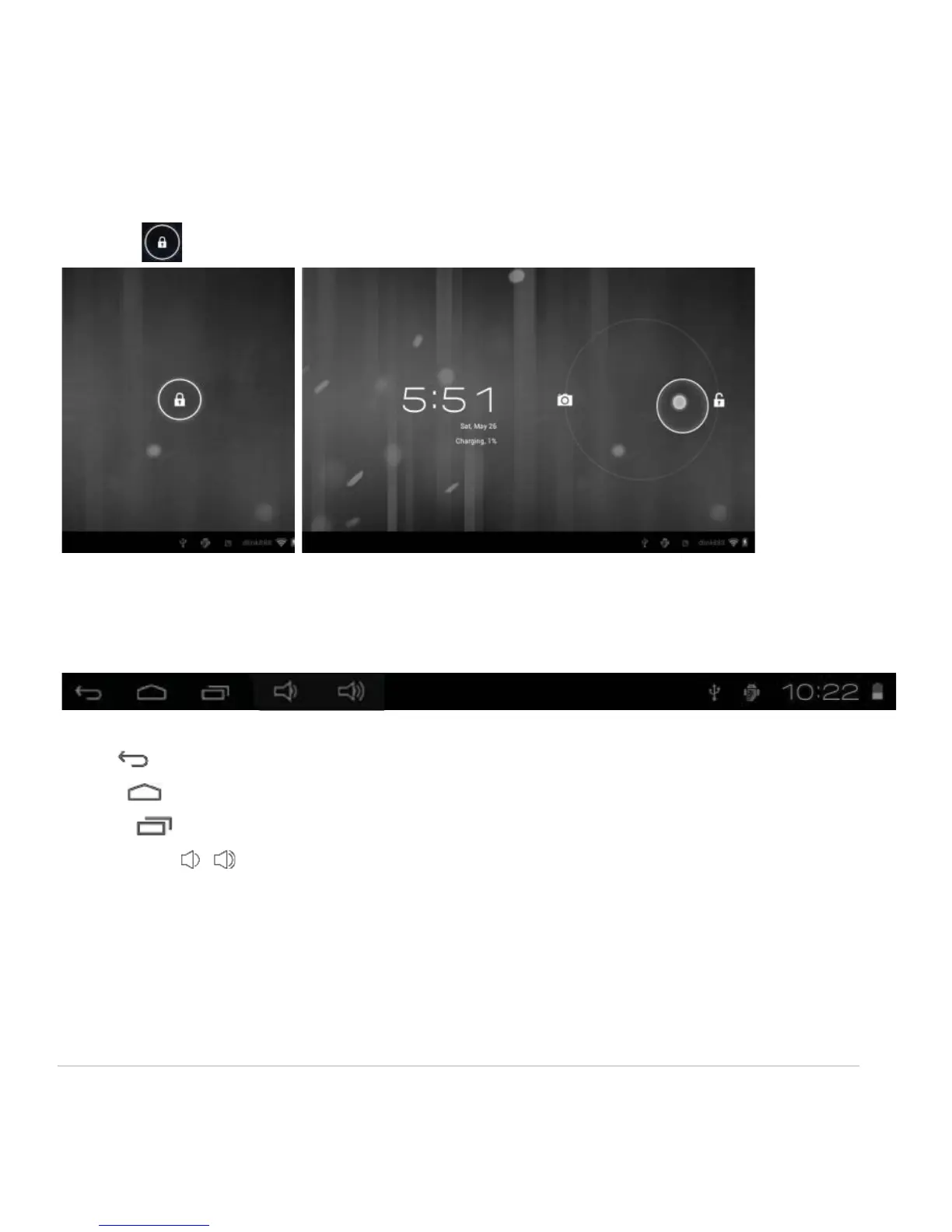
Move the icon to unlock the unit, as shown below.
1.6 Status Bar
The status bar is located at the bottom the screen.
The icons on the left side are:
• Back : Tap to return to previous screen.
• Home : Tap to return to home screen.
• History : Tap to view the most-recently accessed applications.
• Volume -/+ : Tap to adjust volume.
The icons on the right side of status bar display Wi-Fi signal, Wi-Fi connection status, battery
power/battery charging status, current time, USB and SD card connection status. Tap the icons to view
the date, and time and other information.



 To Next Page