D2-912 User Manual | 11
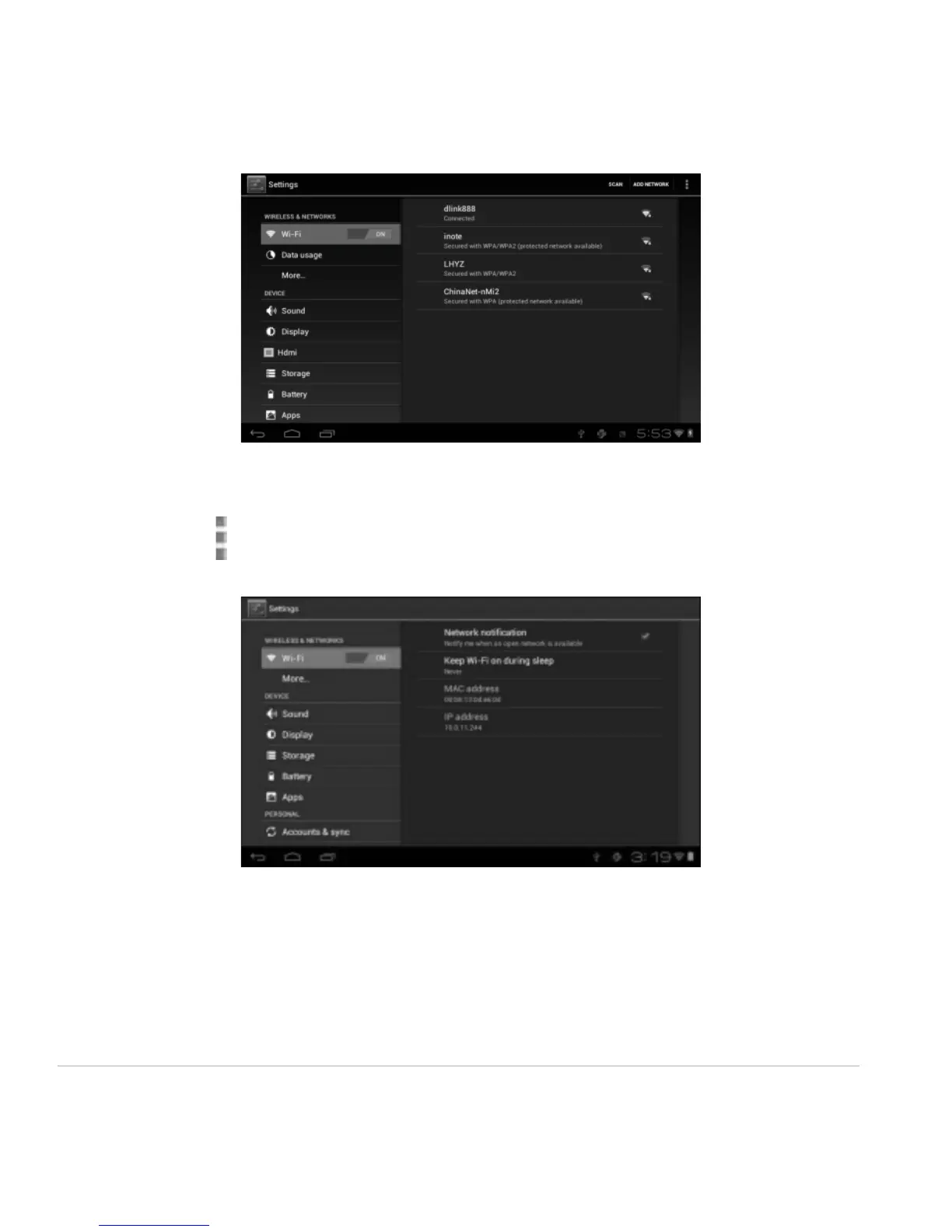
Other Wi-Fi Options
Tap the Advanced icon on the upper-right corner of the screen to display advanced options and
other network information.
When the Network notification option is checked, the system automatically scans and displays available
networks within range. If it is unchecked, you must tap SCAN to manually scan for nearby networks and
tap ADD NETWORK to manually do so.
*Note: The D2 Pad recognizes Wi-Fi networks that it has connected to before. Once Wi-Fi is turned on
and a known connection is detected, the device automatically connects to that network.



 To Next Page