7
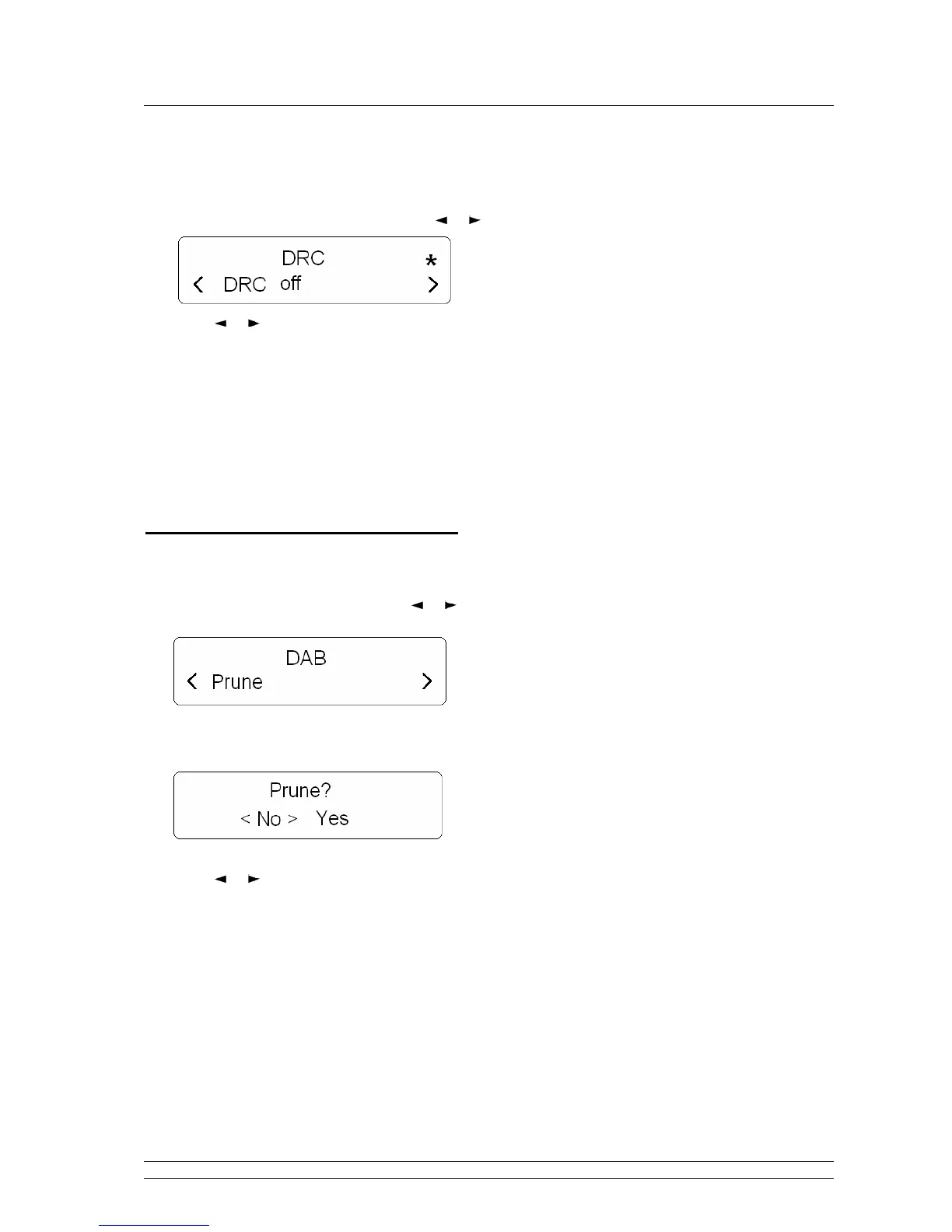
How to Set DRC (Dynamic Range Control) Value?
You can set the level of compression stations to eliminate the differences in dynamic range or sound level
between radio stations.
1. Press the MENU button, and then press or button to ‘DRC’, Press SELECT to confirm.
2. Press or button to browse options: off/low/high.
Note: a. Set DRC to off means no compression;
b. Set DRC to low indicates little compression;
c. Set DRC to high shows maximum compression.
3. Press SELECT to confirm your preferred option, and it is done!
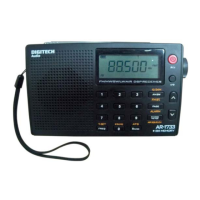
How to Prune Inactive Stations?
Note: doing this, can remove inactive stations from the station list.
1. Press MENU button, and then press or button to ‘Prune’.
2. Press SELECT to confirm.
3. Press or button to ‘Yes’, press SELECT to confirm, then it is done!


 To Next Page