11
Common Operation
Setting Station Presets
Your radio can store 10 DAB/DAB+ and 10 FM presets.
To store the current station:
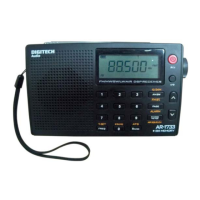
1. Press and hold either one of the preset buttons 1/6,2/7,3/8,4/9 or 5/10 button to preset station 1-5,
or
2. Press and hold the SNOOZE/SHIFT button until it say “Preset <6-10>”, and then press and hold
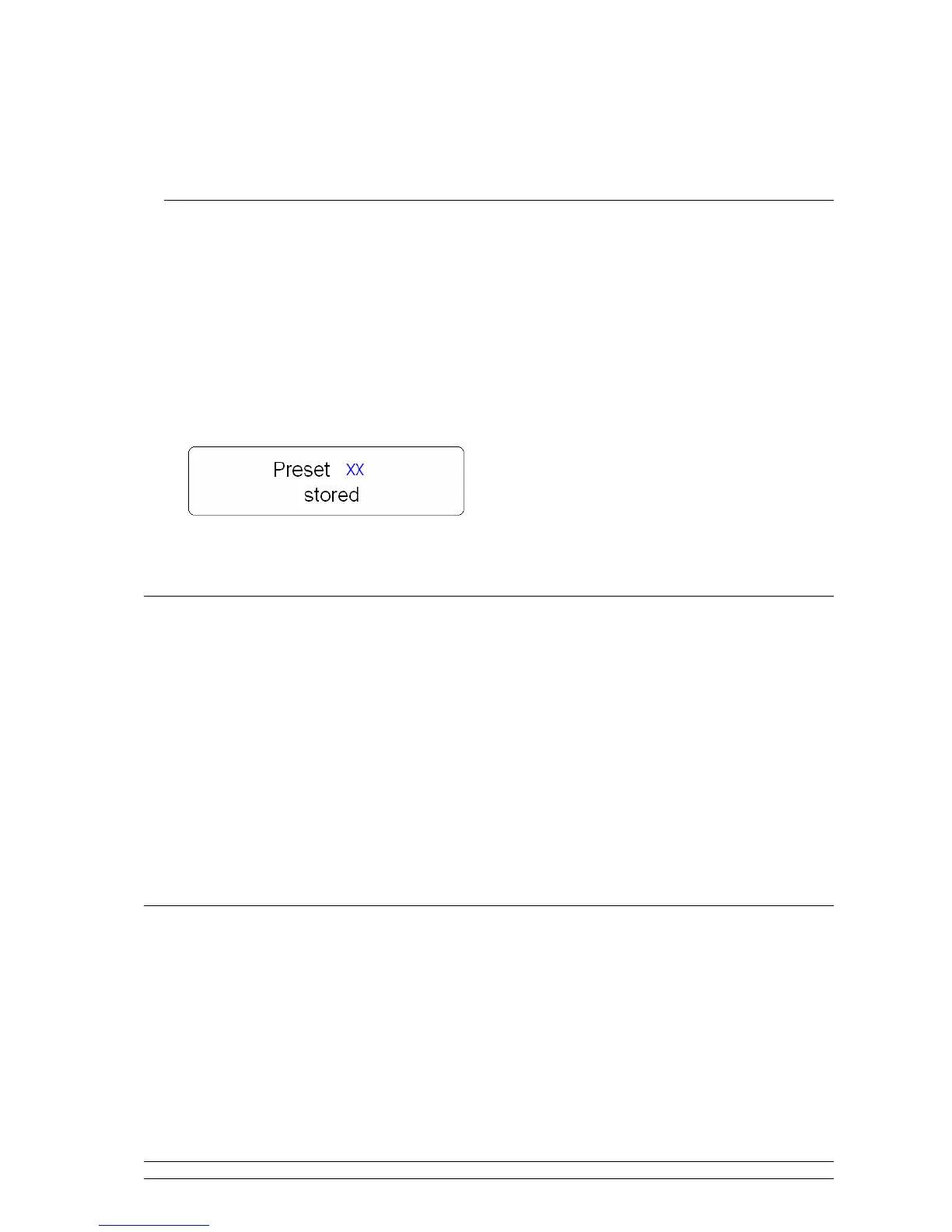
relative preset buttons to preset Station 6-10, be quick, and it will display:
xx stands for the preset station number.
Selecting a Preset station
To select a stored DAB+, DAB or FM station:
1. Enter corresponding mode by pressing the DAB/FM button.
2. Simply press the relative preset button to load preset station1-5, or
3. Press and hold the SNOOZE/SHIFT button until it say “Preset <6-10>”, and then press relative preset
button to load preset station 6-10.
Note: do not hold the button down - if you do then the station currently playing will overwrite the one stored in the preset,
be careful!
Volume Control
Adjust the radio volume to the desired level by pressing + or -.


 To Next Page