12
System setup
How to Enter System Setup?
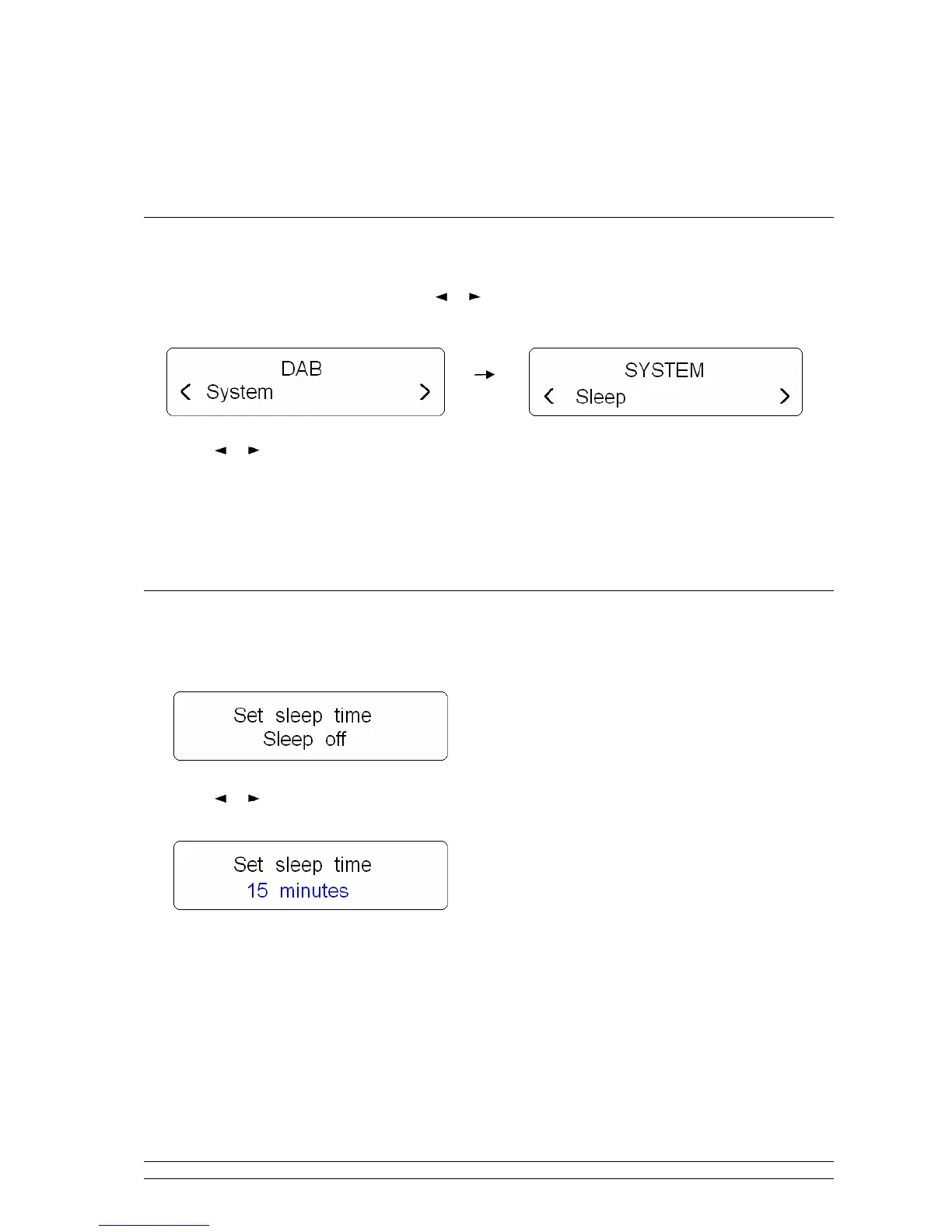
1. Press the MENU button, and then press or button to < System >, press the SELECT button to
confirm.
2. Press or button to cycle through options, in which you can find ‘Sleep’, ‘Alarm’, ‘Time’,
‘Backlight’, ‘Factory Reset’, ‘SW version’ available.
☺
The following will provide you more details.
How to Set Sleep?
1. While cursor point to ‘sleep’, press SELECT to confirm.
2. Press or button to define the sleep period: off/15/30/45/60/90 minutes, press SELECT to confirm
your expecting option.
4 Select <Sleep> option again, and then press SELECT to check how long it will be elapsed.
5 Radio will automatically put itself into standby mode after reached the sleep time.
6 To continue enjoying your program, press STANDBY button.



 To Next Page