5
DAB+, DAB mode
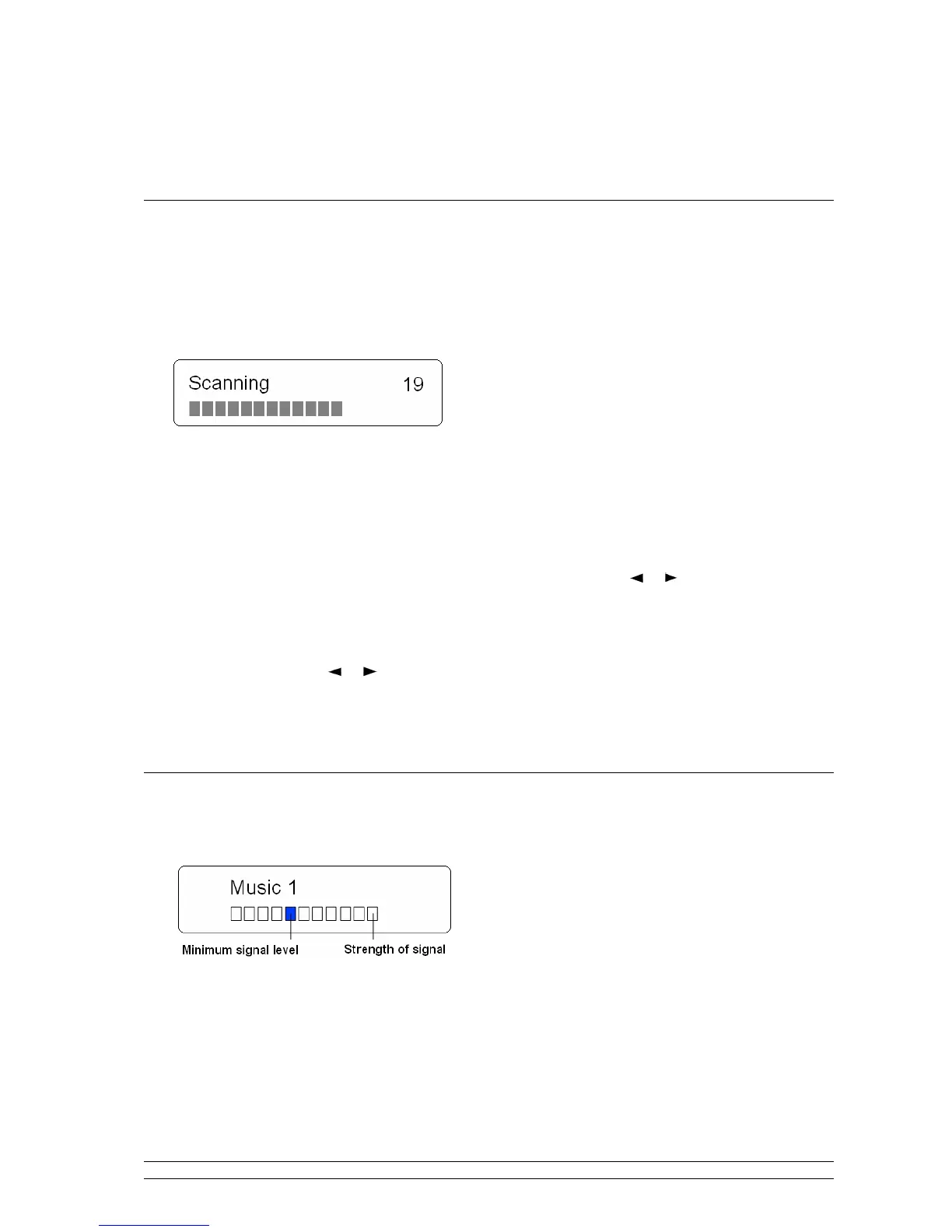
How to Get Start?
1. Extend the antenna on the rear of radio, press the STANDBY button to switch it on.
2. For initial use, it will automatically conduct a full scan and save the detected stations in its memory,
perhaps it will need your little patience.
Note: in use, it may be automatically running to your last listening mode, if it isn’t DAB mode, you can switch to DAB mode
by pressing the DAB/FM button.
3. Once the scanning is completed, the DAB stations will be displayed in alphanumeric order. The first
station in the list would be selected.
4. If there is no station detected, press the MENU button, and then press or button to ‘Full scan’,
and then press the SELECT button to confirm.
5. Once the scanning is completed or while playing a DAB+/DAB program, you can cycle through
stations list by pressing or button, and press the SELECT to confirm your selecting program.
Note: a. if no DAB signal is found in your area, relocate your radio may be necessary.
How to Show the Signal Strength?
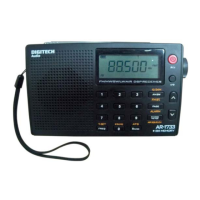
1. Press the INFO button repeatedly until display shows a signal bar with strength of the current station.
The indicator on the signal bar shows the minimum acceptable signal level.
Note: Stations with signal strength below the minimum signal level will not provide a stable streaming of audio.


 To Next Page