SYSTEM 3000 to 3505 CONVERSION MANUAL
DIGITIZE, INC. 700254-0001 REV B 02/04
Specifications Subject to Change Without Notice
2-2
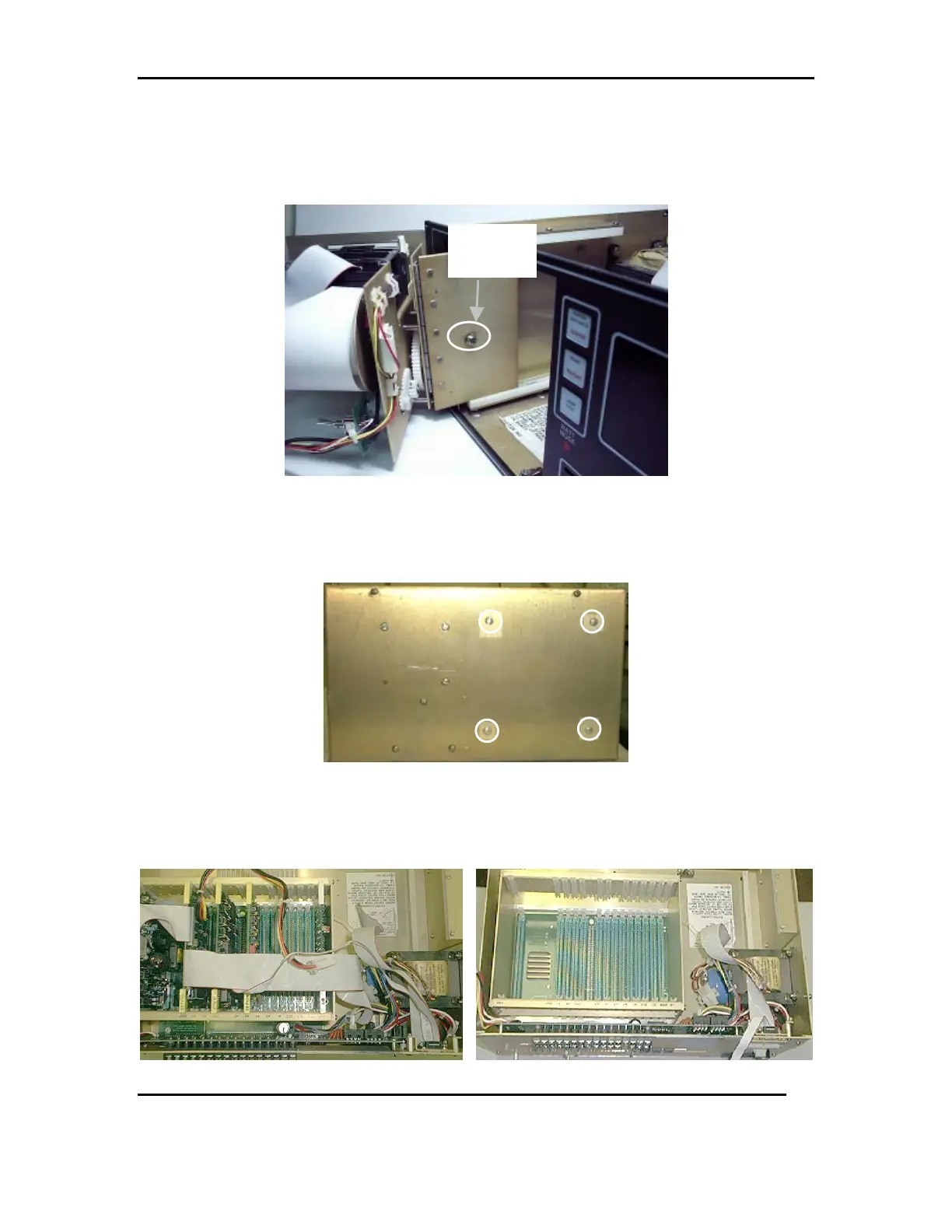
2.3 Unscrew the pan head stopping screw with hex nut and star washer then remove the
printer MECH. Refer to 4a
FIG 4a
2.4 Remove the four pan head screws holding the printer MECH support bracket.
Refer to FIG 5a
FIG 5a
2.5 Remove all the PC cards from the Card Cage and disconnect the ribbon cables from
the rear panel. Refer to FIG 6a & 6b. Note: Save the I/O cards and EE2 PROM for
re-installation later.
FIG 6a FIG 6b
Stopping
Screw



 To Next Page