13
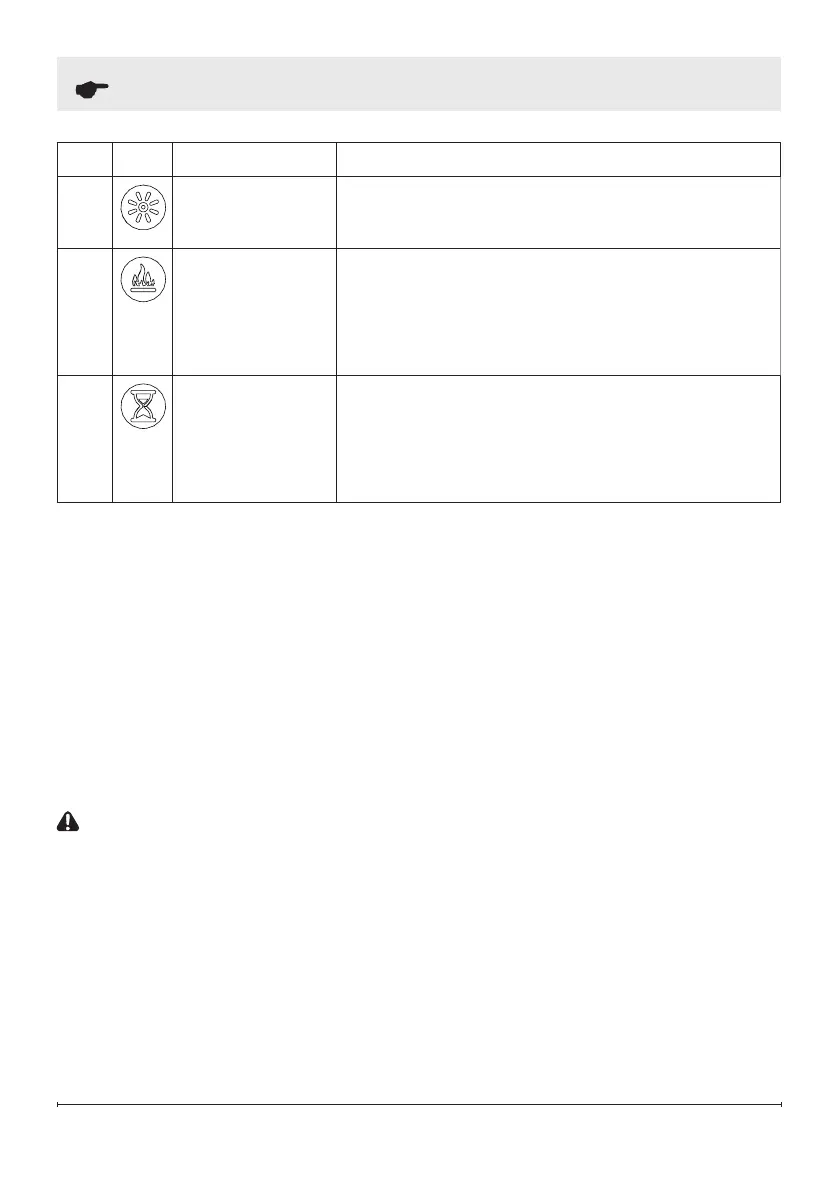
Icon Function Description
F
Brightness
Press to change the flame and logs brightness.
Display will show b1 (low), b2 (medium), b3 (high).
G
Flame
Press to turn the flame effect on. Press again to
turn the flame effect off.
NOTE: When the flame effect is off while the heat
is on, the heat indicator light will remain illuminated
to indicate the fireplace heat function is active.
H
Timer
Press multiple times to change the sleep timer by
0.5 hr from 0.5 hr to 8 hr before turning off. Press
again, the remaining time on the timer displays.
When the timer is active, the timer indicator light
will illuminate.
Resetting the Temperature
Cutout Switch
Should the heater overheat, an
automatic cutout will turn the heater off.
It will not come back on without being
reset.
To reset the cutout switch, unplug the
unit and wait 5 minutes before plugging
it back in.
CAUTION: If you need to
continuously reset the heater,
unplug the unit and call Technical
Support at 1-888-346-7539
Operation


 To Next Page