40
© 2008 Directed Electronics. All rights reserved.
Operating settings learn routine
The system features programmed dictates how the unit operates. Due to the
number of features, the features have been divided into two menus. It is possible
to access and change any of the feature settings using the Override switch.
However, this process can be greatly simplified by using a ProSecurity Program-
mer. The remote coding may be locked if previously programmed using the
ProSecurity Programmer. If the horn generates one long honk when attempting to
program the unit, the remote coding is locked and must be unlocked using the
ProSecurity Programmer before proceeding.
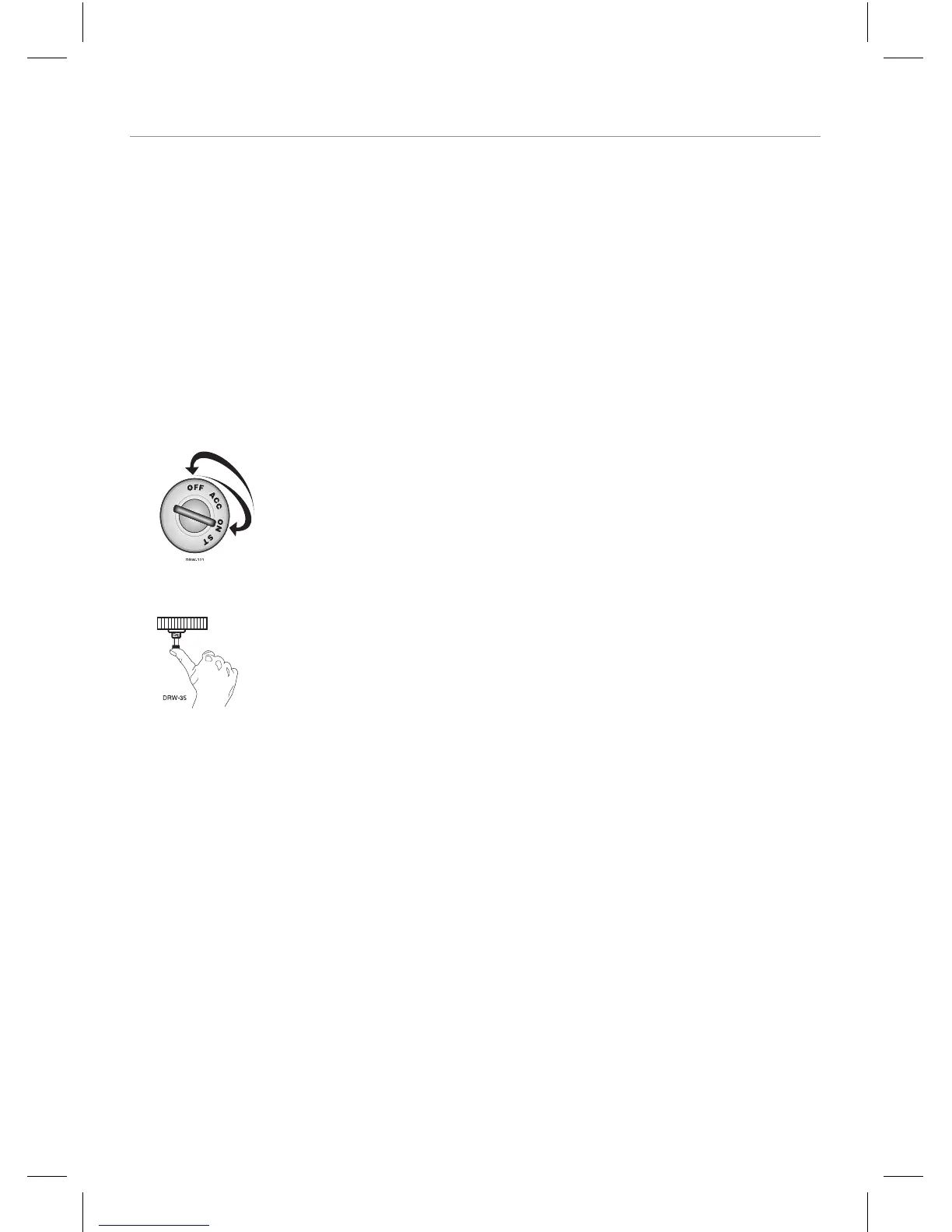
1. Key. Turn the ignition on, and then off.
2. Select menu. Press and hold the Program switch.
When the LED flashes once and the horn honks, Menu
One has been selected. Continue to hold the switch until
the LED flashes twice and the horn honks twice, Menu
Two has now been selected. Release the switch after the
Menu choice has been selected.



 To Next Page