48
© 2008 Directed Electronics. All rights reserved.
Rear defogger control
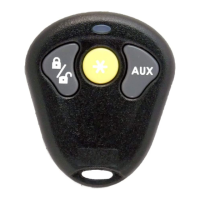
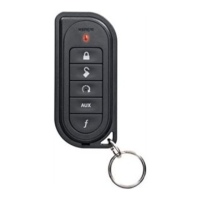
The rear defogger output can be remotely turned on/off any time using the
remote control. The default setting is On.
To turn the rear defogger output OFF:
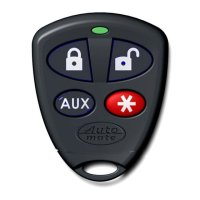
Press & release the 1.
buttons of the remote con-
trol.
The parking lights will flash 2-times.2.
The rear defogger output will no longer activate when the vehicle is remote 3.
engine started.
Note: If the remote engine start is On the lights will turn off then flash 2-times
before returning to their normal output and the defogger output, if active, will
cease.
To turn the rear defogger output ON:
Press & release the 1.
buttons of the remote con-
trol.
The parking lights will flash 3-times.2.
The rear defogger output will once again activate when the vehicle is 3.
remote engine started.
Note: If the remote engine start is On the lights will turn off then flash 3-times
before returning to their normal output and the defogger output will activate as
programmed.



 To Next Page