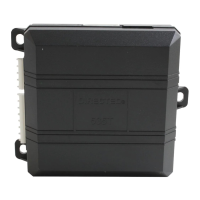
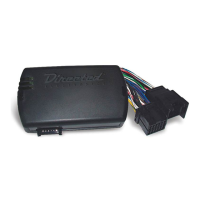
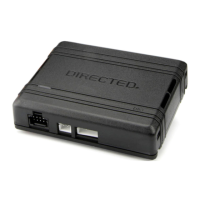
11
403.NISS4HT 2.39 2016 Nissan Versa (Smart Key)
©2022 VOXX•DEI LLC. All rights reserved.
Module programming
Refer to “LED diagnostics and troubleshooting” for more information and for troubleshooting purposes.
1
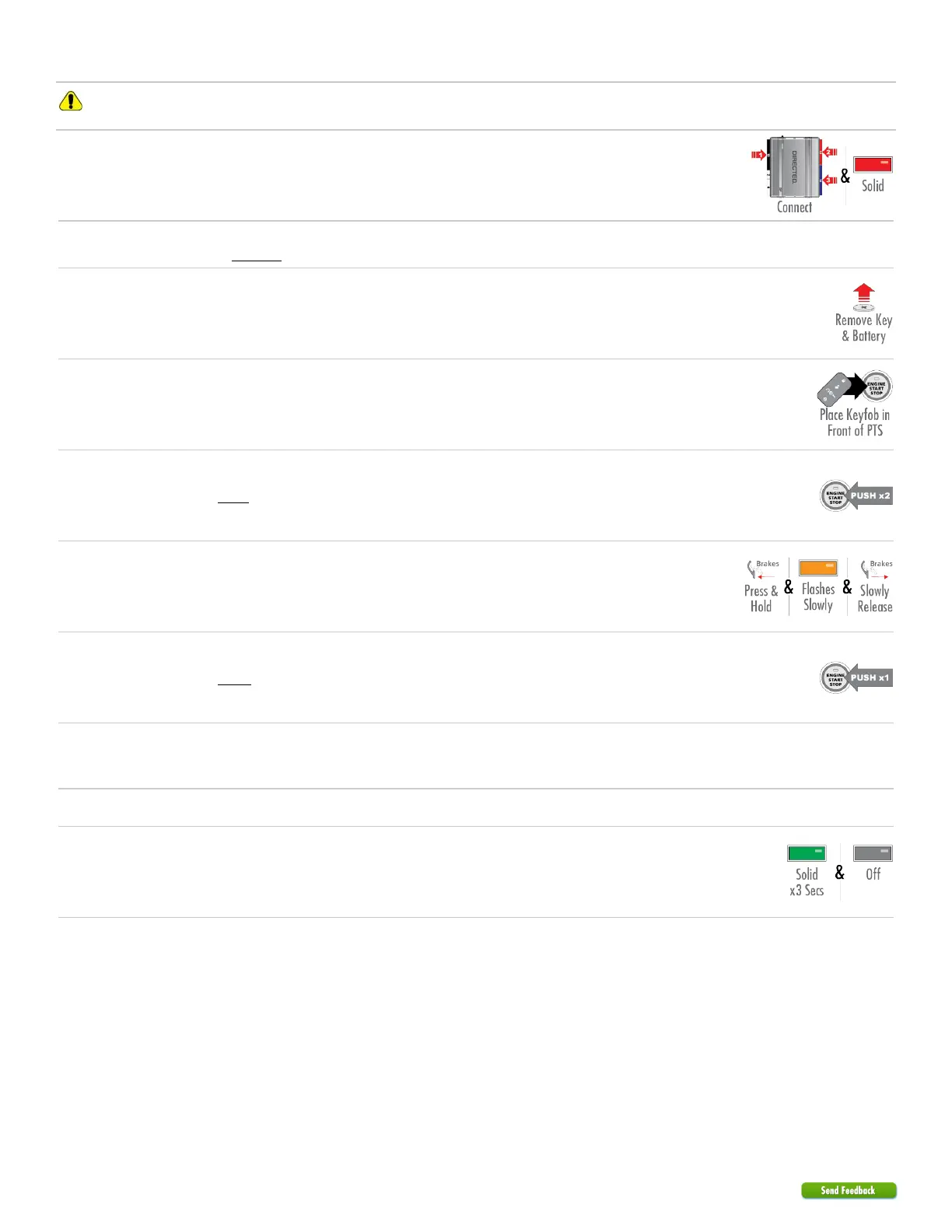
Connect the 10-pin, 12-pin and 14-pin harnesses to DB3, then wait until the LED turns ON
solid red.
2
Important! Ensure that all keyfobs except one is located a minimum of 10 feet (3 meters)
away from the vehicle BEFORE proceeding with the next step.
3
Note: This step is required for programming only.
Remove the backup key from the transmitter. Open the transmitter, and remove the battery.
4
Place and hold the keyfob in front of Push-to-Start (PTS) button.
Important! Hold it there for steps 6 to 8.
5
Press the PTS button twice to turn the ignition ON, and wait for the key light to start flashing.
6
Press and hold the brake pedal until the LED starts flashing orange slowly, then release the
pedal slowly.
7
Press the PTS button once more to turn the ignition OFF.
8
Remove the module from the vehicle and reconnect it to your computer. The web site will
automatically recognize that you are moving onto the second phase of the programming
sequence.
9
Click on Submit Key2GO Request.
10
Once the configuration is completed, reconnect the module. The LED turns ON solid green for
3 seconds, then turns OFF.
You have successfully completed the module programming sequence.


 To Next Page
 Loading...