page 22 of 72 ANDIAMO.MC Hardware Guide - Version 2.0
CHAPTER 4: Operation
Blinking LEDs are also used to indicate an error (e.g. missing sync). Concentrate on
the section where one LED is blinking and the remaining LEDs are glowing weak.
Menu Control
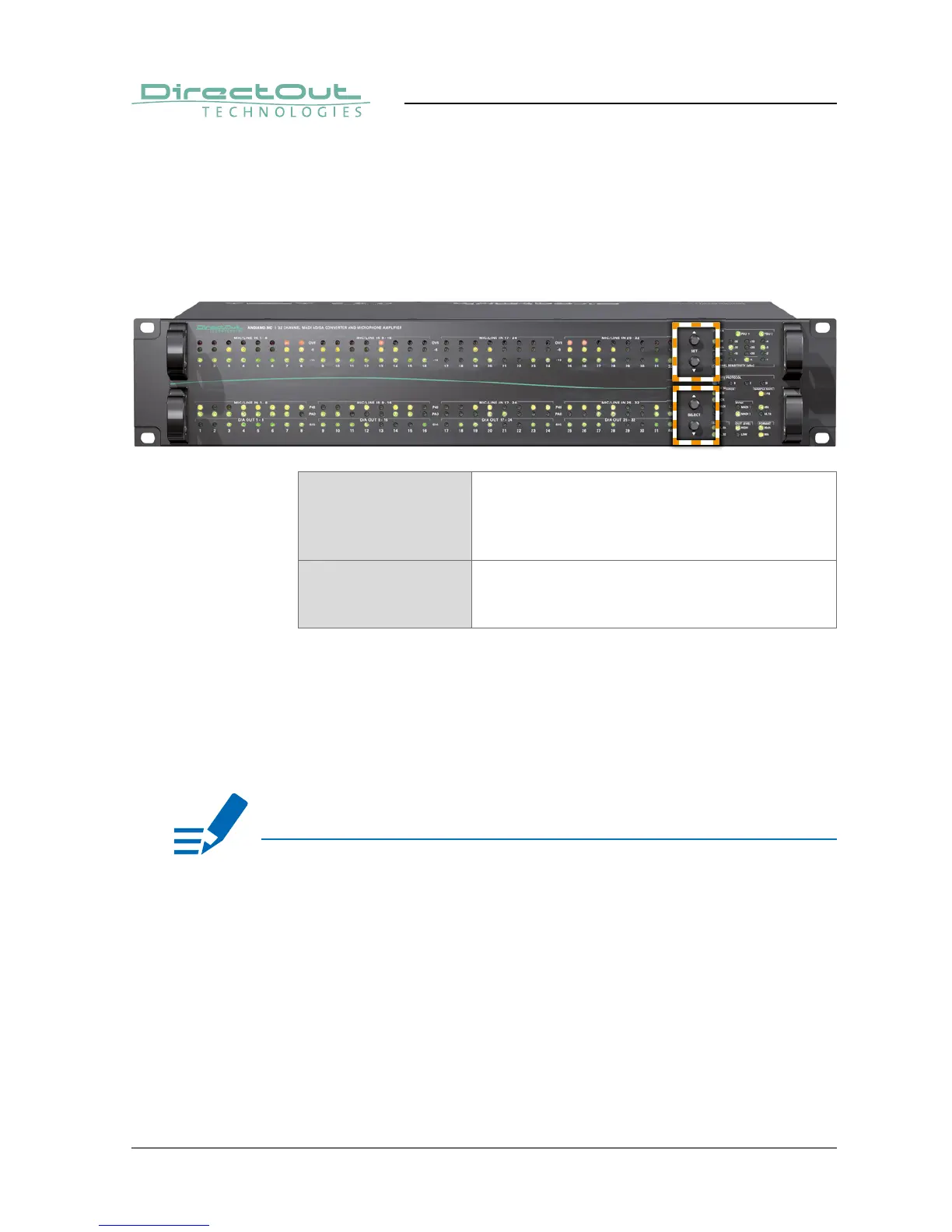
All functions of the converter can be accessed using a simple menu. Two pairs of
push buttons are used for navigation and settings.
The upper pair is used to modify a setting.
The lower pair is used to navigate the menu.
See „CHAPTER 5: Menu Navigation“ on page 42.
SET Push button
Only active in menu mode. Press short to adjust a
setting. Press longer than 2seconds to toggle the
Matrix Mode (Bank).
SELECT Push button
Press longer than 2seconds to enter the menu.
Press short to cycle through the menu.
When the menu mode is active a LED will blink in one of the sections while the
remaining LEDs of this section are glowing weak.
This indicates:
• a setting can be adjusted in this section
• the blinking LED(s) is the selected option in this section
After a short period of time the menu mode is exit automatically.
NOTE


 To Next Page