page 28 of 72 ANDIAMO.MC Hardware Guide - Version 2.0
CHAPTER 4: Operation
Level Settings
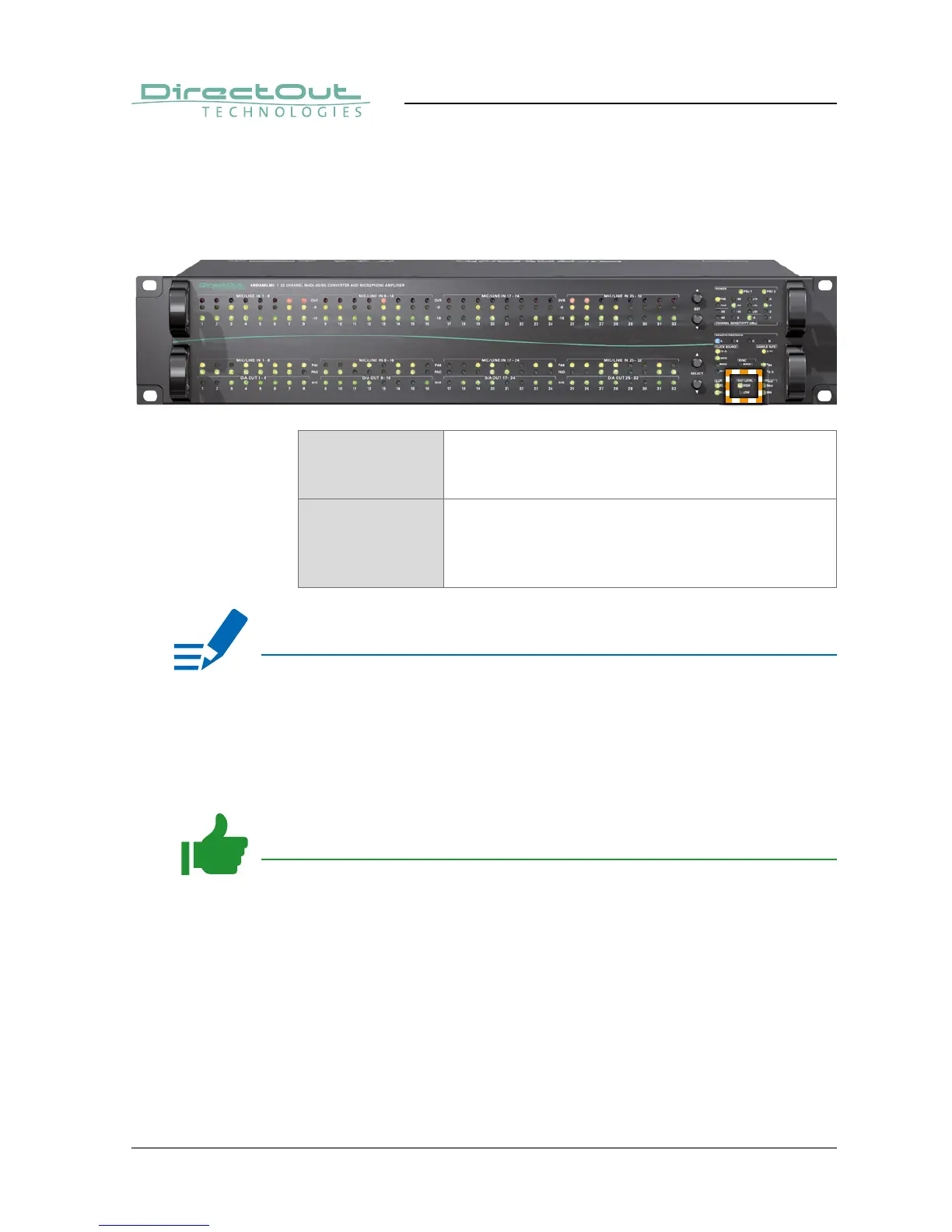
The analog reference level of the DA converters can be switched between two
settings (high and low) where the analog level corresponds to 0dBFS.
Two LEDs (ANALOG OUT LEVEL) inform about the setting.
HIGH LED (green): indicates the reference level of the
D/A converter.
LED ON = +24dBu
LOW LED (green): indicates the reference level of the
D/A converter.
LED ON = +15dBu
LED heartbeat = DA calibration activated
NOTE
With the level setting to “low” a digital reduction (output) is applied to adapt the
lower analog level (-9 dB).
The level setting of the input channels is accessible using the menu - see
„CHAPTER 5: Menu Navigation“ on page 42.
TIP
Additional settings via remote control:
• Output gain/level trim for individual channels
• DA calibration in 0.1 dB increments


 To Next Page