page 30 of 72 ANDIAMO.MC Hardware Guide - Version 2.0
CHAPTER 4: Operation
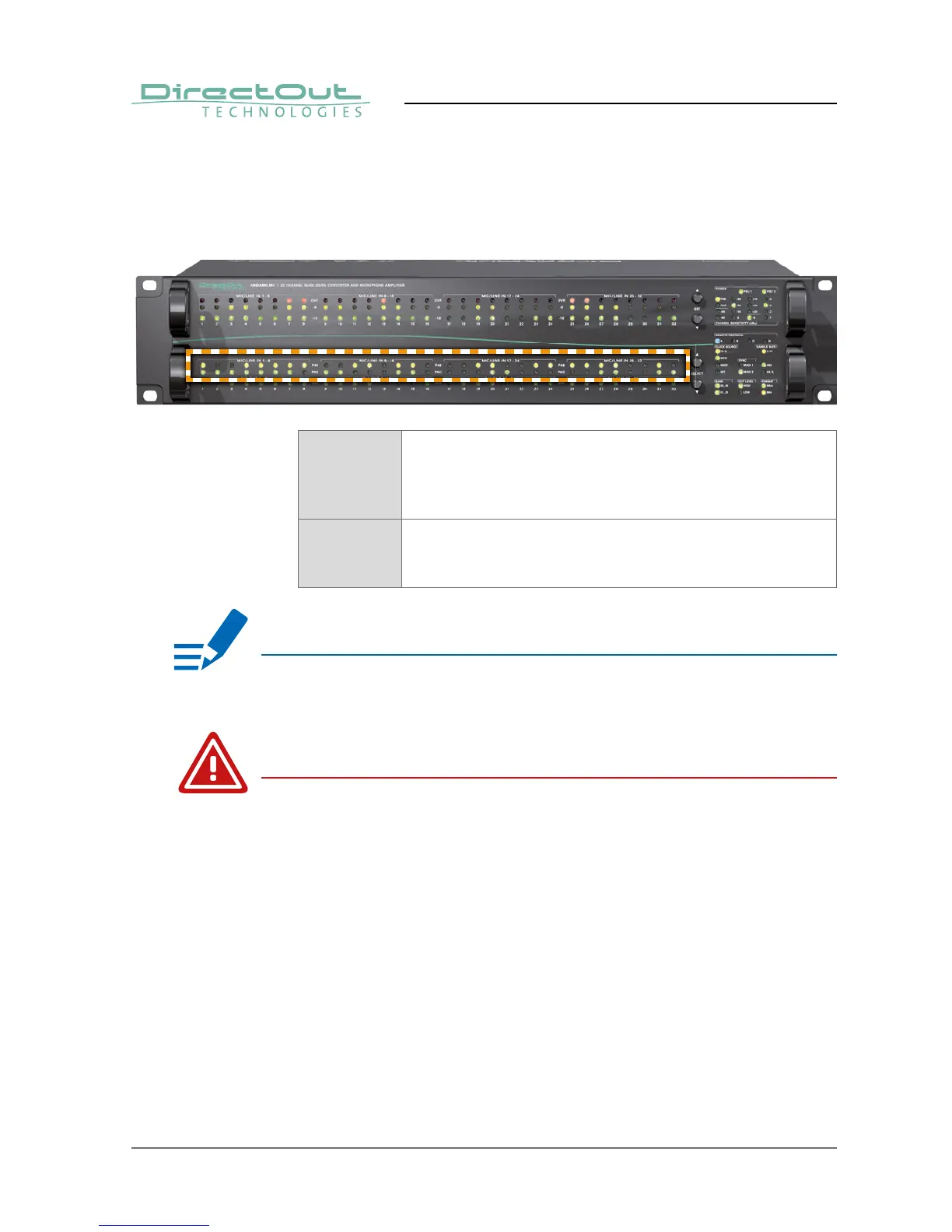
Display - input channel settings
Each analog input channel provides switchable phantom power (+48V) and
switchable PAD (30 dB).
P48 LED (yellow): indicates activation status of phantom
power
LED ON = phantom power active
LED OFF = phantom power inactive
PAD LED (yellow): indicates activation status of PAD
LED ON = PAD active
LED OFF = PAD inactive
NOTE
The level metering of the input channel is ‘behind’ the PAD switch. It may be
useful to check PAD setting if no signal seems to be present.
WARNING
Switching PAD may result in abrupt changes of loudness.


 To Next Page