page 40 of 60 EXBOX.MD Manual - Version 1.0
CHAPTER 5: Remote Control
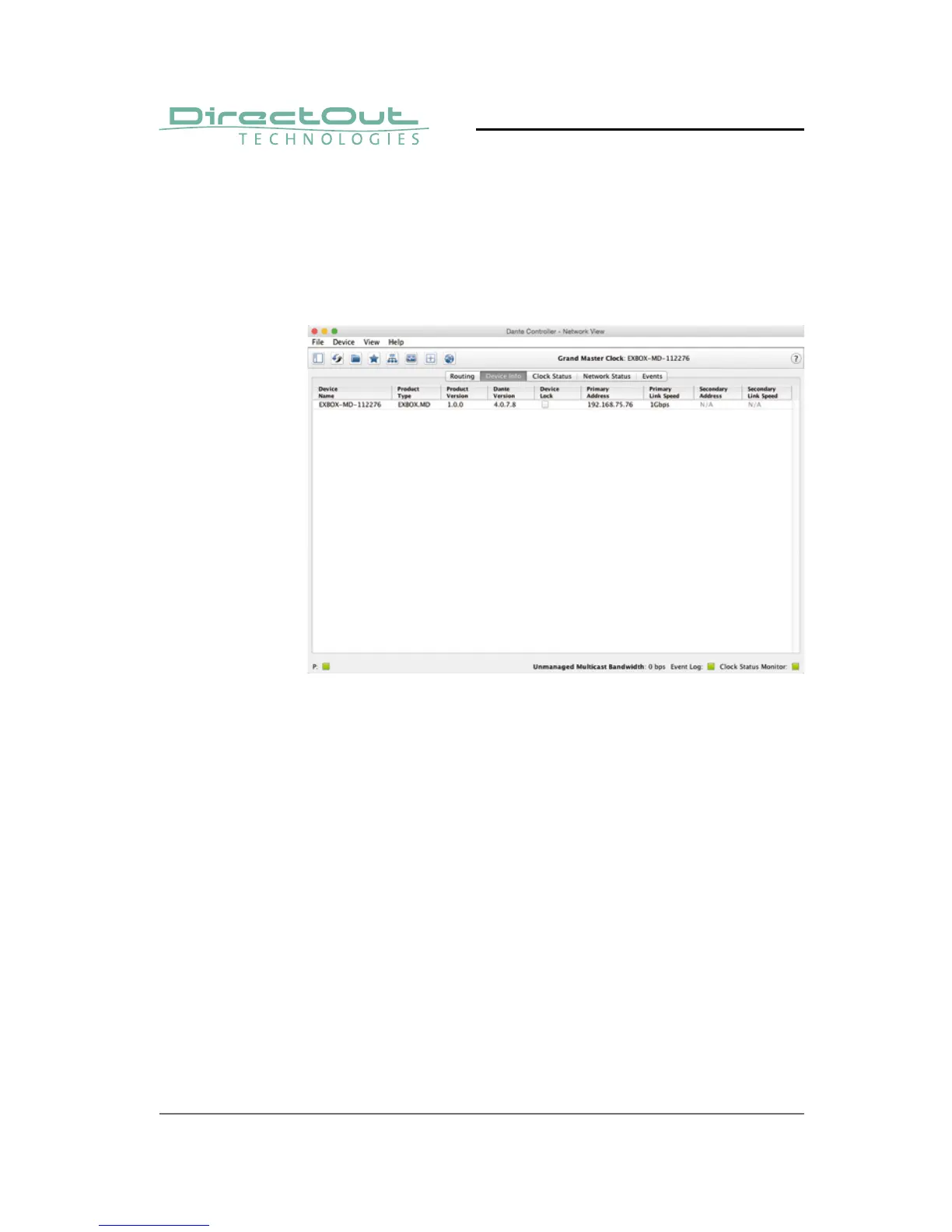
Network View
The 'Network View' is organised in several tabs. All
detected Dante devices are shown on a list.
EXBOX.MD is delivered with the network interface
set to DHCP as a default. Dante Controller can
be used to discover the device on the network
and change the IP confi guration if necessary - see
"Network Confi g" on page 44.



 To Next Page