page 41 of 60EXBOX.MD Manual - Version 1.0
CHAPTER 5: Remote Control
Clock Status
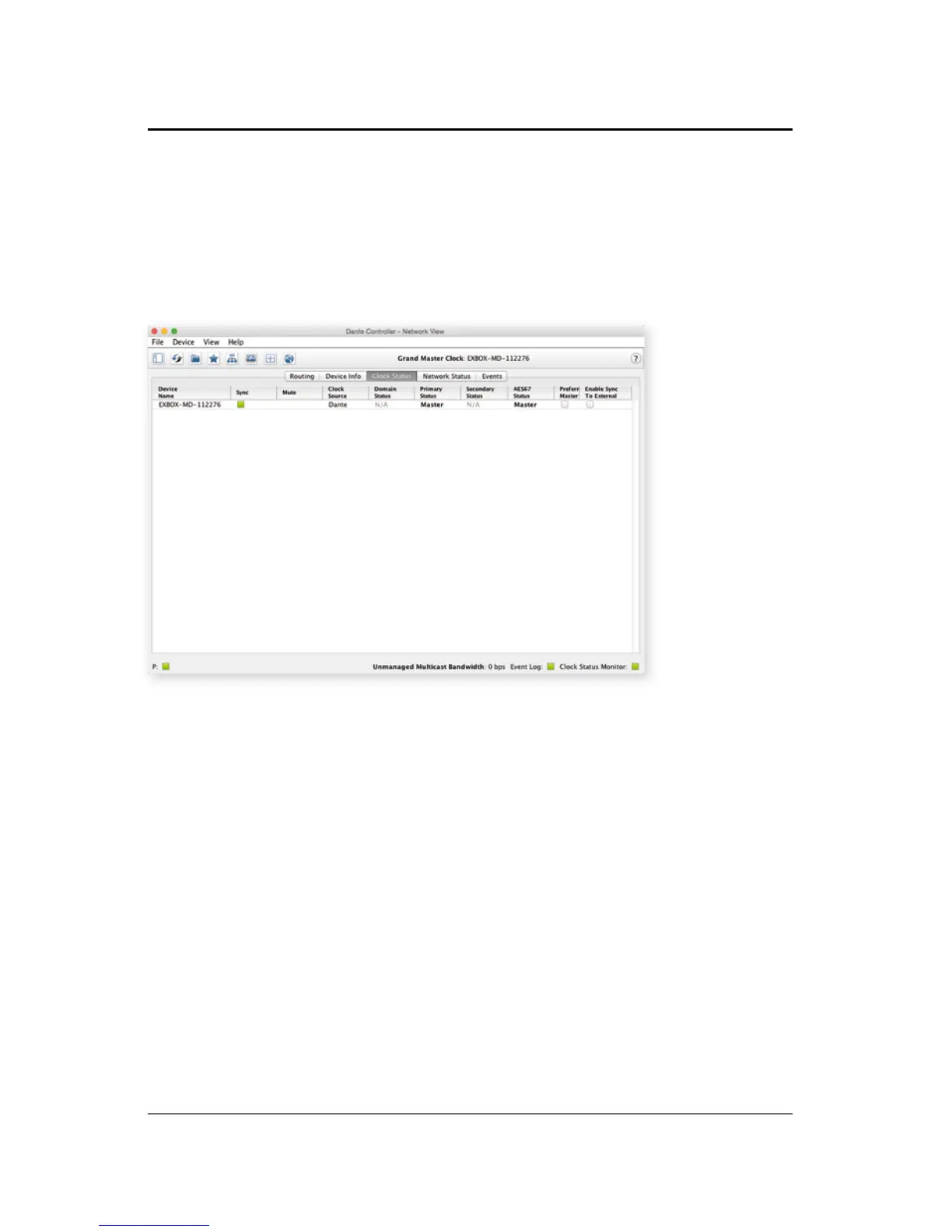
The tab ' Clock Status' informs about the clock
settings of each connected device and allows to
modify them.
'Preferred Master' sets the device as PTP
Grandmaster in the network
'Enable Sync to External' allows to clock the device
from an external source (MADI input or internal). The
device shall become Grandmaster of the network
then.



 To Next Page