CHAPTER 2 - Channels & Program Info
27
Chapter
1
Chapter
2
Chapter
3
Chapter
4
Chapter
5
Chapter
6
Chapter
7
Chapter
8
Select “Last 5” to see a list of previous channels you’ve watched (up to
5). When you select a channel from this list, the receiver will tune to that
channel. This is an easy way to toggle among the channels you watch most
often.
On Standard-Definition DVRs, press the YELLOW button on your remote and
select “View Previous Channels”.
Last 5
TV Options
Favorite Channel Lists
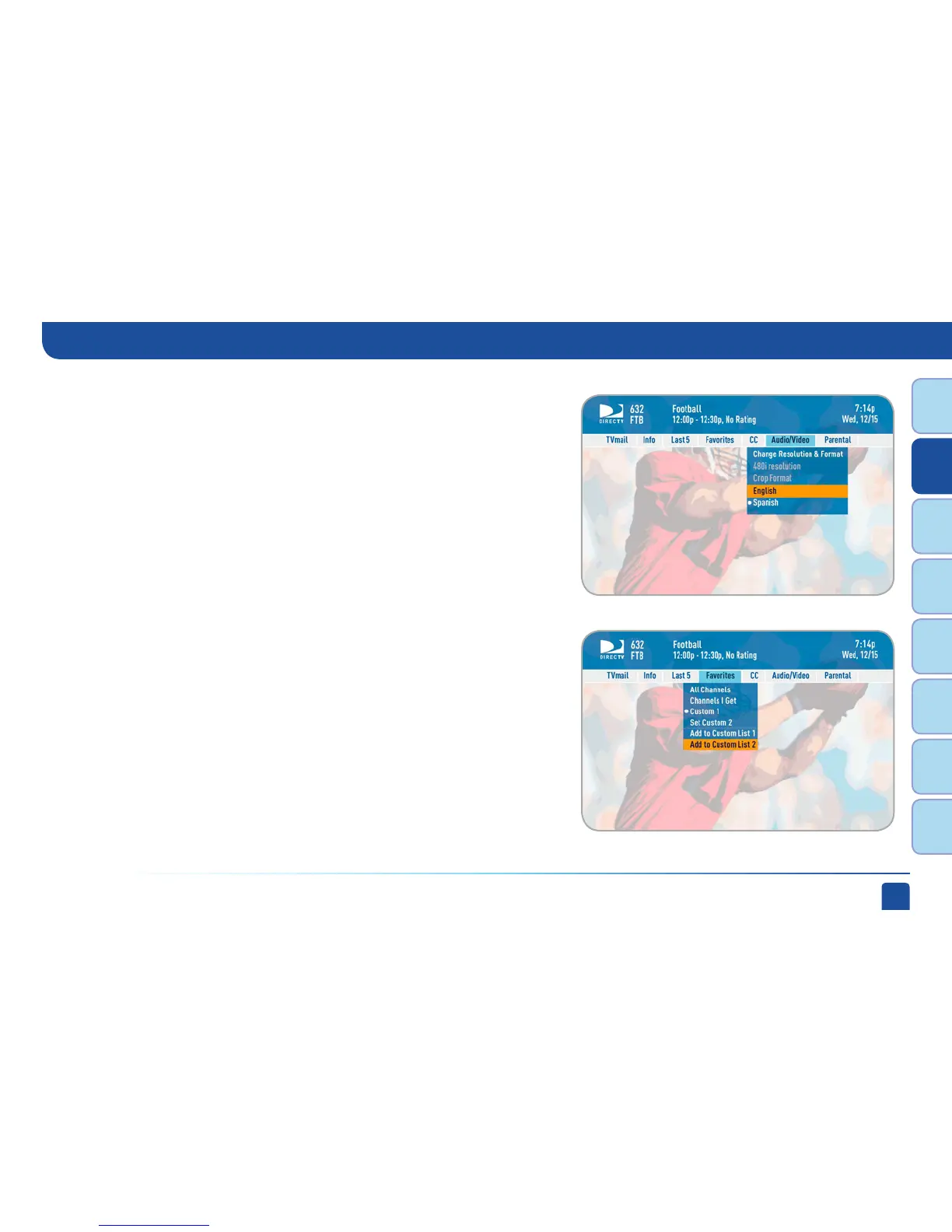
Select “Favorites” to update the program guide to show only the channels
you want to see. You have 4 options to choose from: “All Channels”,
“Channels I Get”, “Custom 1” and “Custom 2”. Channels I Get displays only
the channels you subscribe to. Custom 1 and 2 are self-created lists of
your favorite channels. If one of your self-created lists is active, select the
“Add...” or “Remove...” option to add or remove the current channel from
that list.
On Standard-Definition DVRs, press the YELLOW button on your remote and
select “Change favorites list”.



 To Next Page