30
DIRECTV
®
DVR USER GUIDE
My Playlist
Smart Search
CINEMAplus
DIRECTV
®
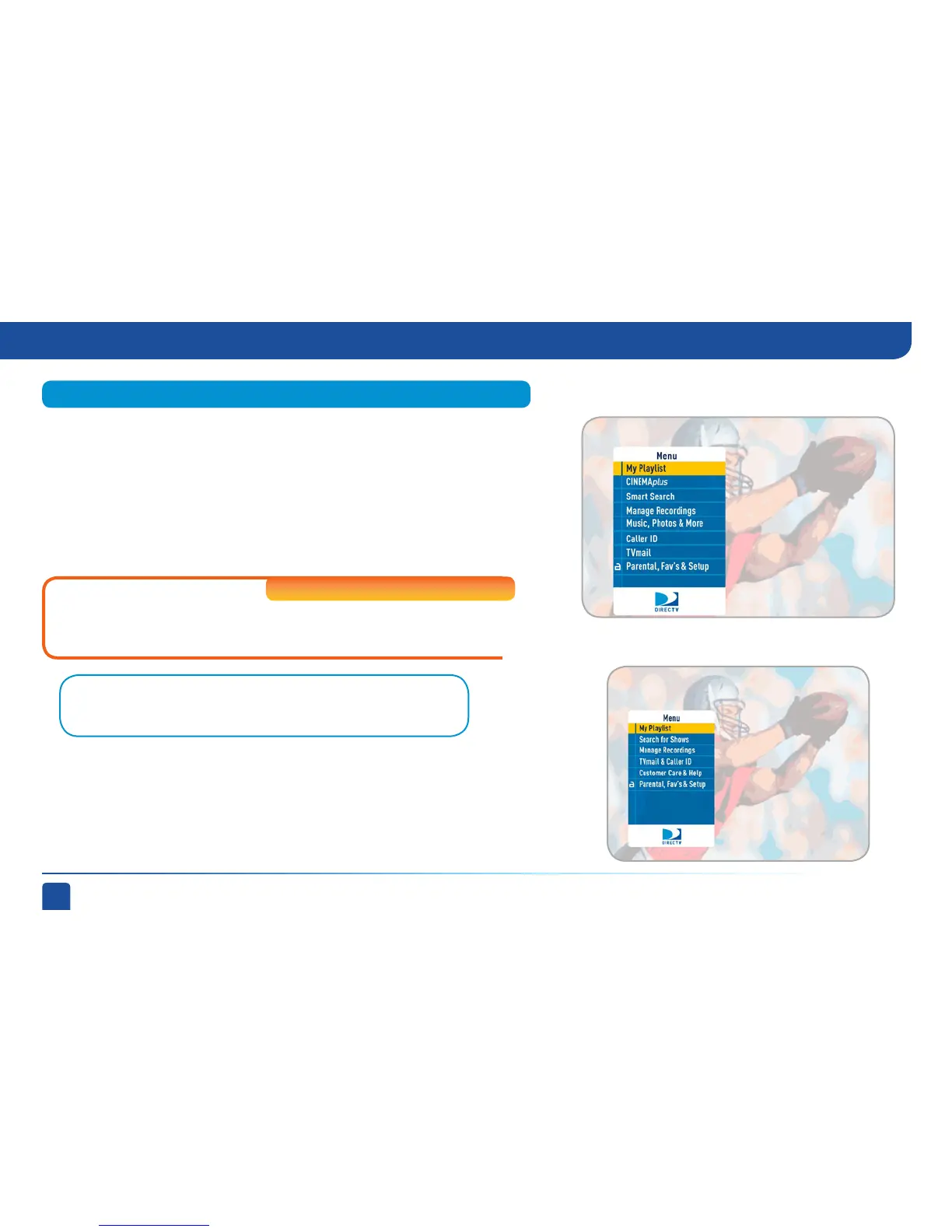
HD DVR Menu
DIRECTV Plus
®
DVR Menu
Use the main menu to access key system features. Press MENU on your
remote to display the menu and press MENU again (or EXIT) to make it go
away.
Note: Refer to Appendix 2 for instructions on connecting your DIRECTV HD
DVR to the Internet.
Menu
High-Definition DVRs
Displays the shows you’ve recorded that are ready for viewing.
Just start typing and we’ll instantly find movies, shows, people, sports, etc...
for you to watch or record. On Standard-Definition DVRs this feature is called
“Search for Shows”.
Connect your DVR to your high-speed Internet service to gain access to
thousands of additional movies and TV shows for no extra charge.
Menu



 To Next Page