88
DIRECTV
®
DVR USER GUIDE
Interactive content, like scores, statistics and other information, is
also provided along with some of our special sports and entertainment
channels. Look for an onscreen popup that lets you know when interactive
content is available and follow the onscreen instructions to use the
interactive features.
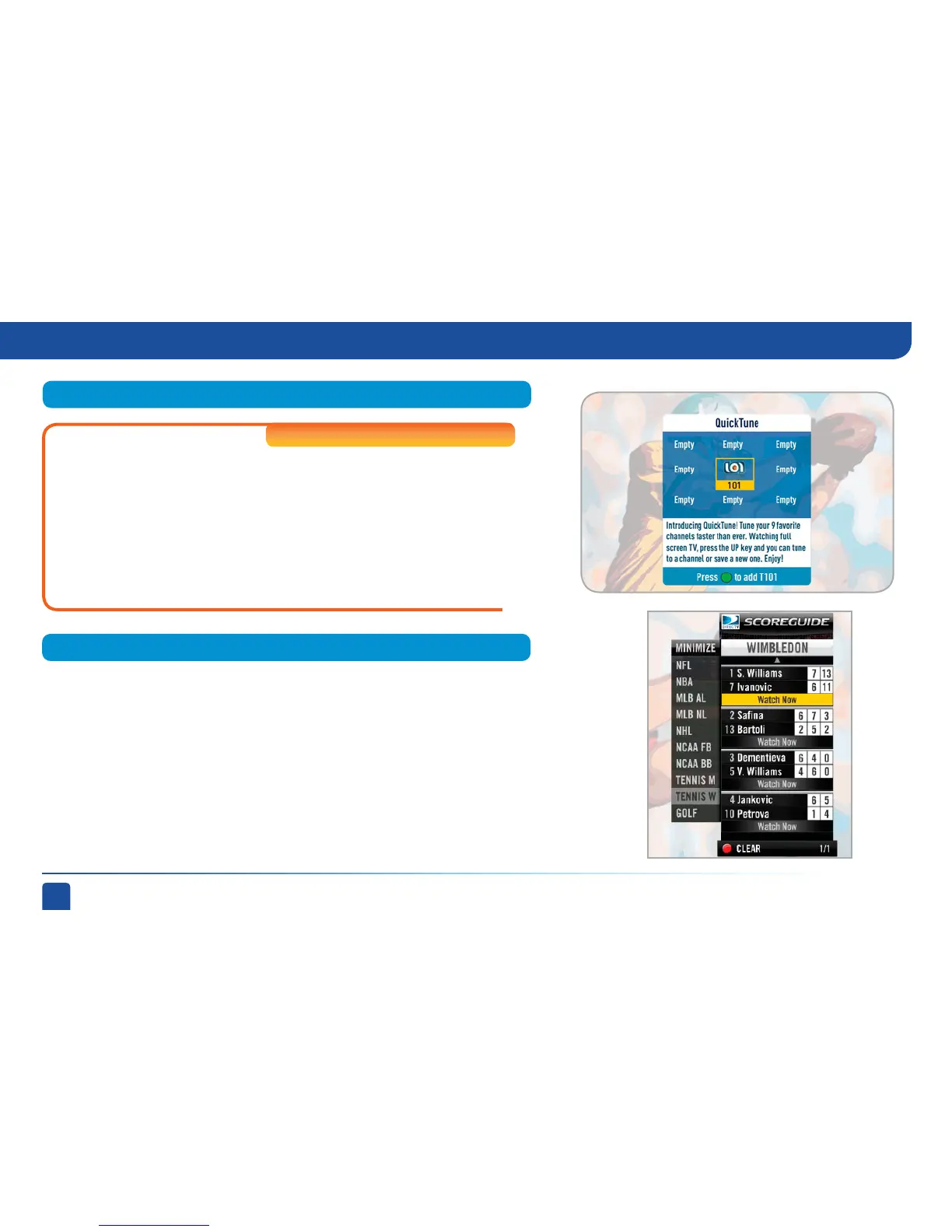
ScoreGuide
™
QuickTune
Use QuickTune to get to your nine “must see” channels fast! While
watching live TV, press the UP arrow on your remote control. A
display with spots for nine channels will appear on screen. To fill the
spots, press the GREEN button on your remote control. The channel
you are currently viewing will be added to the QuickTune display.
After you’ve made all your picks, press the UP arrow whenever you
want to bring up the application. Use the arrow keys to highlight the
channel you want to watch and then press SELECT.
High-Definition DVRs
Quicktune , ScoreGuide
™



 To Next Page