72
DIRECTV
®
DVR USER GUIDE
Have you ever forgotten to set a recording and wish you could do it remotely
from work or while on the go?
Recording from a Computer or Phone
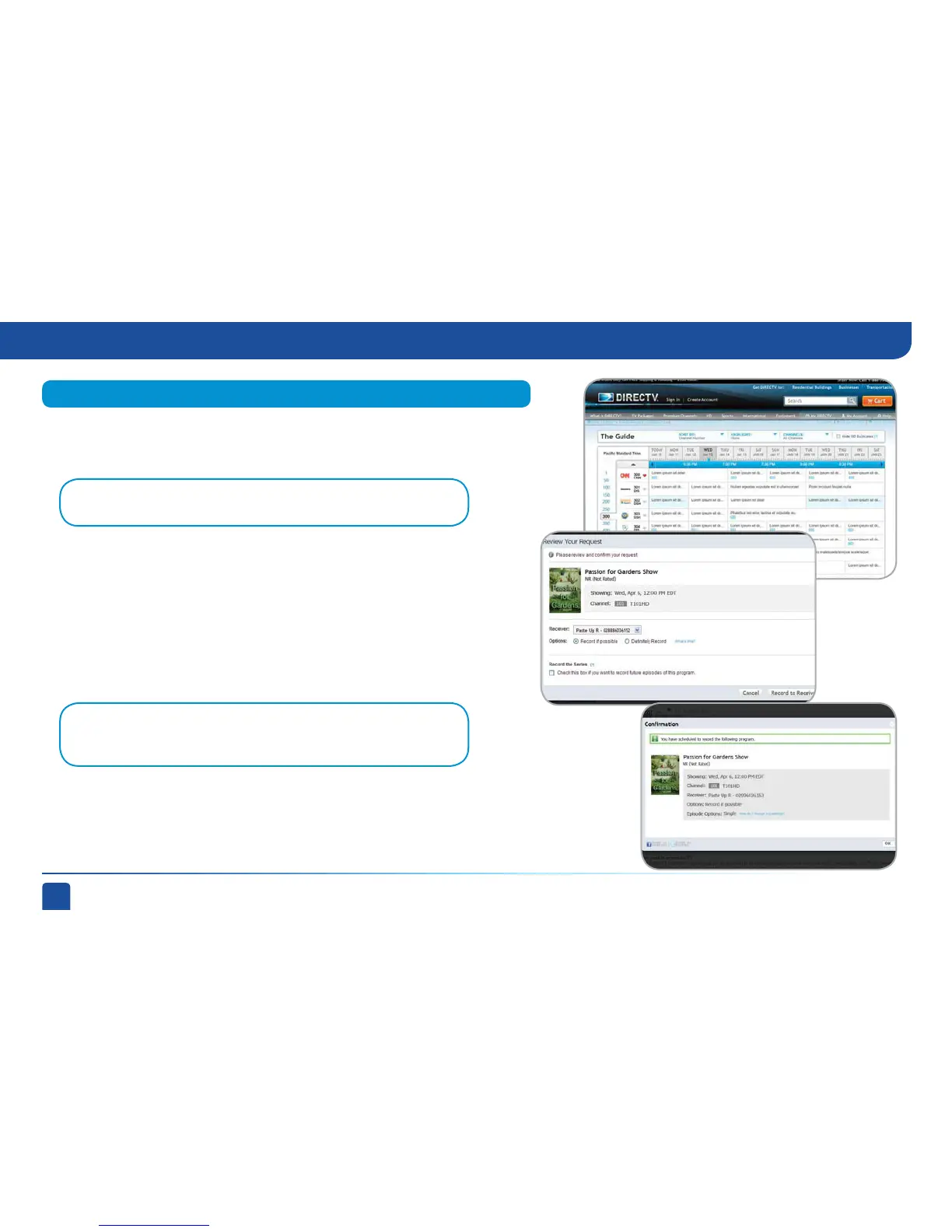
To schedule a recording from your computer, go to directv.com/
tvlistings to see an on-line version of the program guide. Select a show
and click “Record”. If you have more than one DVR in your home, choose
the DVR you want to record to and then click “Record to Receiver”.
From a Computer
Note: If you have a mix of HD and SD DVRs in your home, make sure not to
pick an HD movie for your SD DVR. It will not record.
Note: You must have an account on directv.com to use remote scheduling.
Recording from Your Computer or Phone



 To Next Page