CHAPTER 2 - Channels & Program Info
31
Chapter
1
Chapter
2
Chapter
3
Chapter
4
Chapter
5
Chapter
6
Chapter
7
Chapter
8
DIRECTV
®
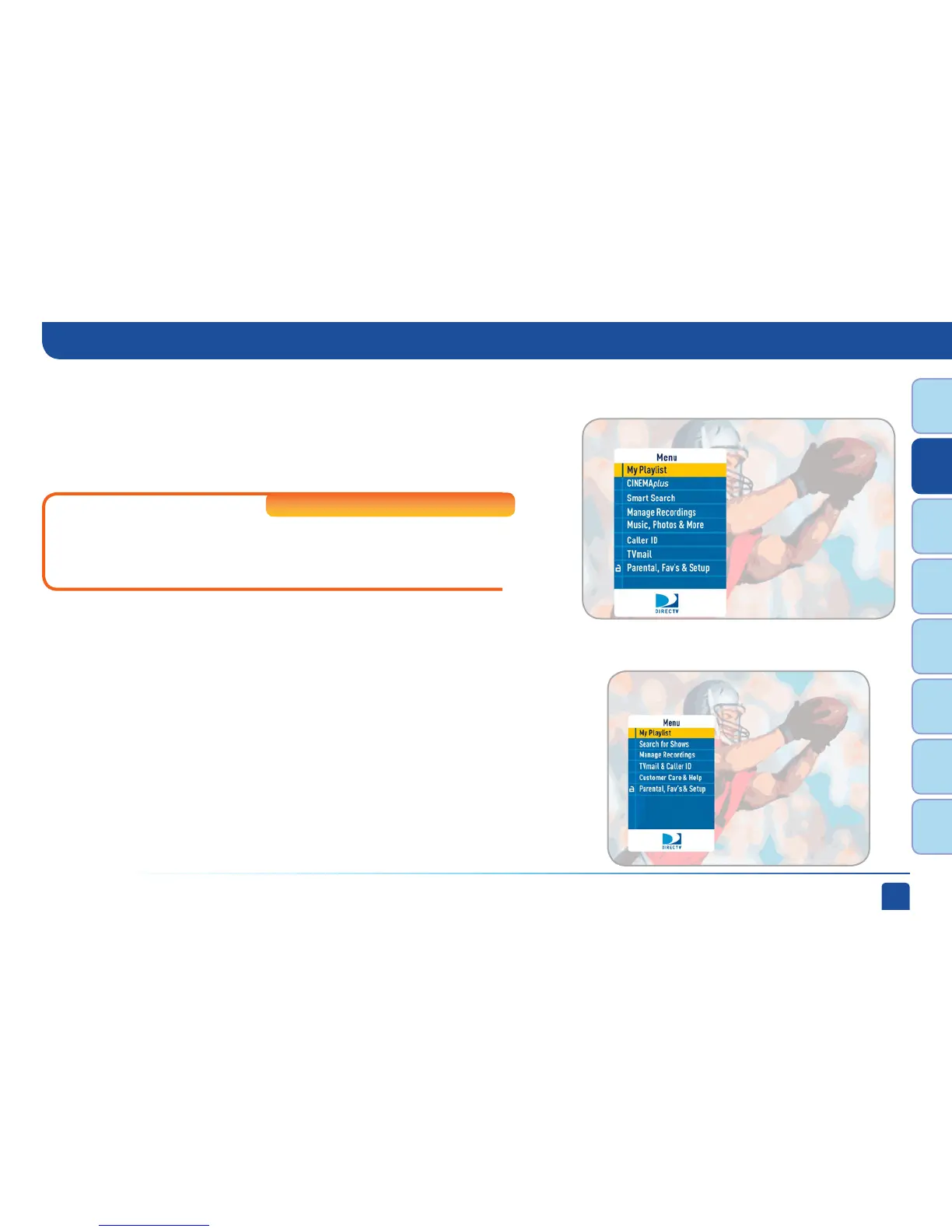
HD DVR Menu
DIRECTV Plus
®
DVR Menu
Manage Recordings
Caller ID
TVmail
Parental, Fav’s & Setup
Music, Photos & More
An optional menu item that appears if you connect your DVR to your
home computer network. See Appendix 2 for instructions on How to
Network Your HD DVR.
High-Definition DVRs
Prioritize upcoming recordings, view recording history and change recording
defaults.
Contains a log of the phone calls into your home (assuming you have a
connected land line and subscribe to Caller ID service from your telephone
provider).
DIRECTV Messages to you about new features, free views, tips & tricks and more.
Set parental control limits, choose favorite channels for a customized program
guide, and choose settings for your TV, remote, and DIRECTV
®
System.
Menu



 To Next Page