CHAPTER 2 - Channels & Program Info
45
Chapter
1
Chapter
2
Chapter
3
Chapter
4
Chapter
5
Chapter
6
Chapter
7
Chapter
8
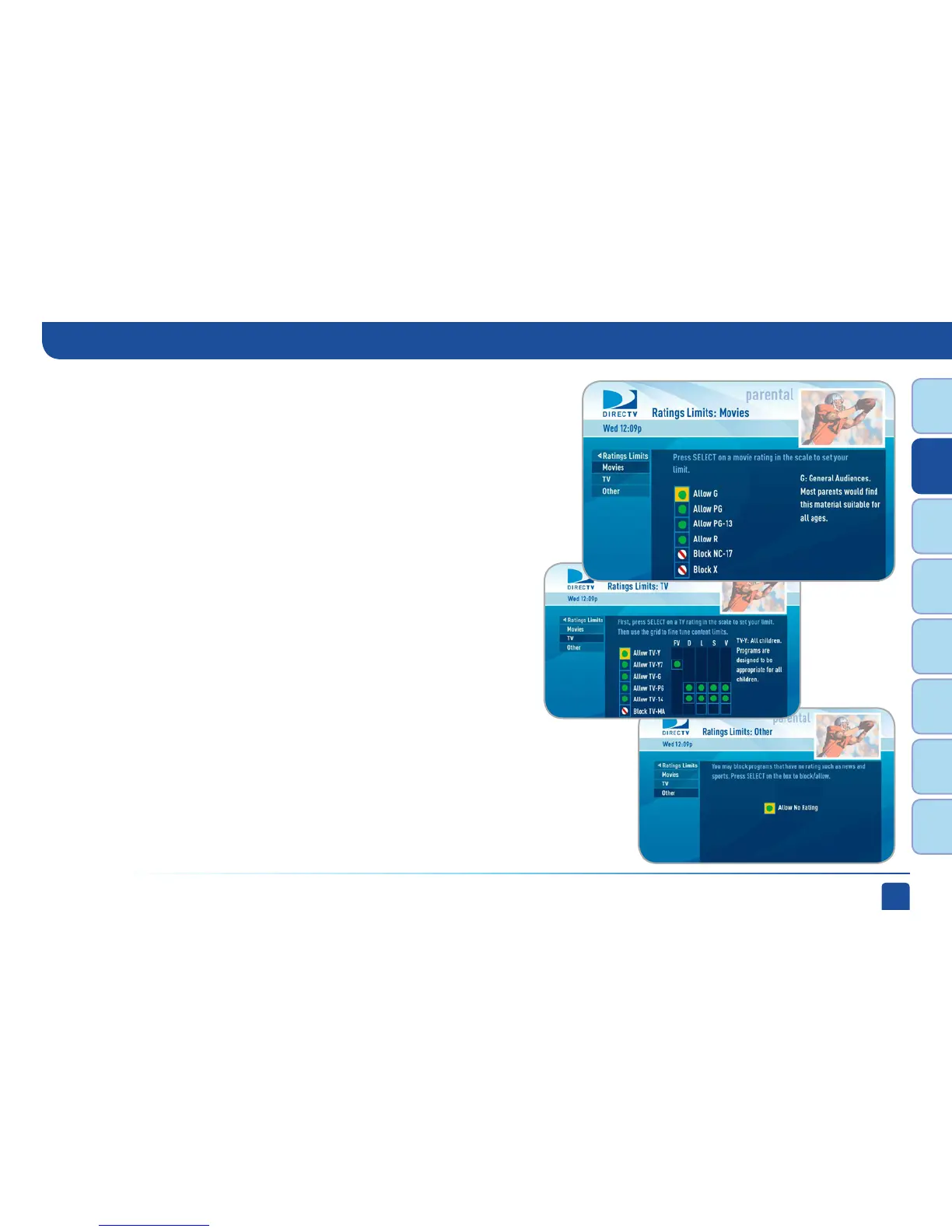
Select the button next to the overall ratings limit you wish to impose.
Brief descriptions of the ratings appear for your guidance.
Movies
Highlight and select the TV ratings limit you desire. In addition to allowing
or blocking shows by TV rating (i.e. TV_MA) you can also set ratings limits
for particular types of content such as, Fantasy Violence (FV), Dialogue (D),
Language (L), Sexual Content (S) and Violence (V). A description of each
content type displays when highlighted.
Highlight and select the box to toggle the setting between “Allow No Rating” and
“Block No Rating.” If you choose “Block No Rating”, programming that has no
rating such as, news and sports will not display.
TV Programs
Other Shows
Parental Controls



 To Next Page