CHAPTER 6 - Settings
99
Chapter
1
Chapter
2
Chapter
3
Chapter
4
Chapter
5
Chapter
6
Chapter
7
Chapter
8
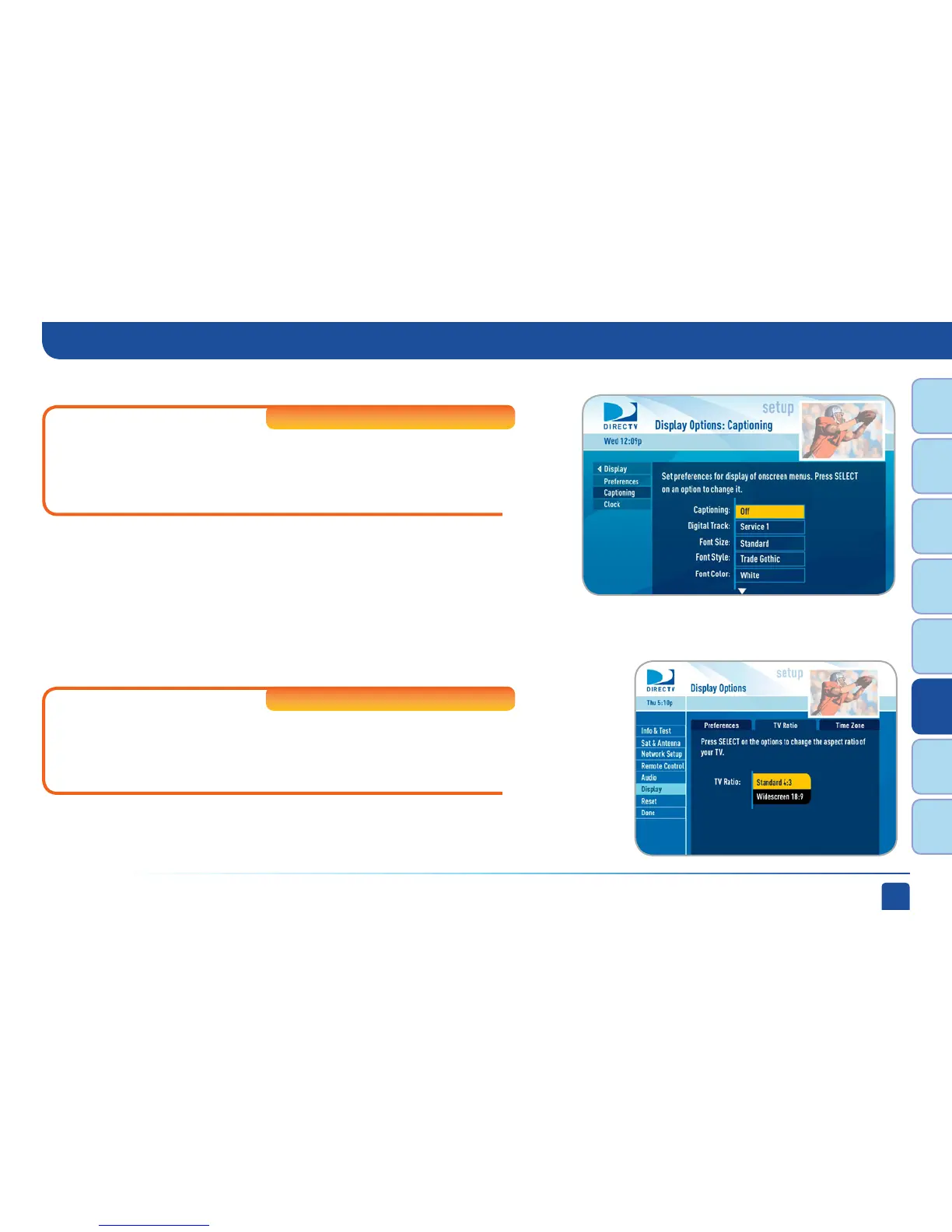
Select “Captioning” to turn closed captioning on or off, and to select
the font style, size and color for the display of captions.
High-Definition DVRs
Select “Clock” (or “Time Zone” on Standard-Definition Receivers) to
set your time zone and whether you want the receiver to show Daylight
Savings time or not.
Clock
TV Ratio
Standard-Definition DVRs
On SD Receivers, select the “TV Ratio” tab to set the “aspect ratio” of your
TV. Most Standard-Definition TVs are 4:3. Most high-definition (HD) TVs
are 16:9. This option is also available on HD Receivers and is covered in
“HDTV” later in this chapter.
System Setup
Captioning



 To Next Page