2-8d
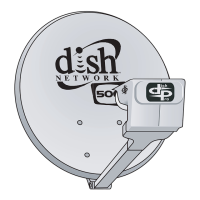
1000.4 Dish - Assembly, Pointing, and Peaking
о Rotate the cam clockwise until the highest possible signal is reached, repeat rotations if necessary.
о IMPORTANT: Do not tighten the azimuth ne-tune cam.
1. Tighten the three azimuth plate bolts labeled with a ‘T’ and reconrm signal using the push pull method.
Complete Assembly
1. Connect the receiver cable(s) to the DPP 1000.4 LNBF PORT 1 (and PORT 2 and PORT 3, as necessary).
2. Run Check Switch test and conrm 61.5°W, 72.7°W, and 77°W reception.
3. Take a software download, if you didn’t already.
4. Run a second Check Switch test and conrm 61.5ºW, 72.7ºW, and 77° reception.
5. Install additional receiver(s), if necessary.
6. If applicable, connect a second satellite dish to the DPP 1000.4 LNBF’s LNB IN port.



 To Next Page