Chapter 3
Page 98
Using the System
Hiding and Showing Adult Channels
When you hide adult channels, you keep the Program Guide, Themes lists, and
the
Browse Banner from displaying adult channels. It also keeps anyone from
choosing such channels by using the UP or DOWN ARROW buttons or the
remote control NUMBER PAD buttons.
1. Press the MENU button.
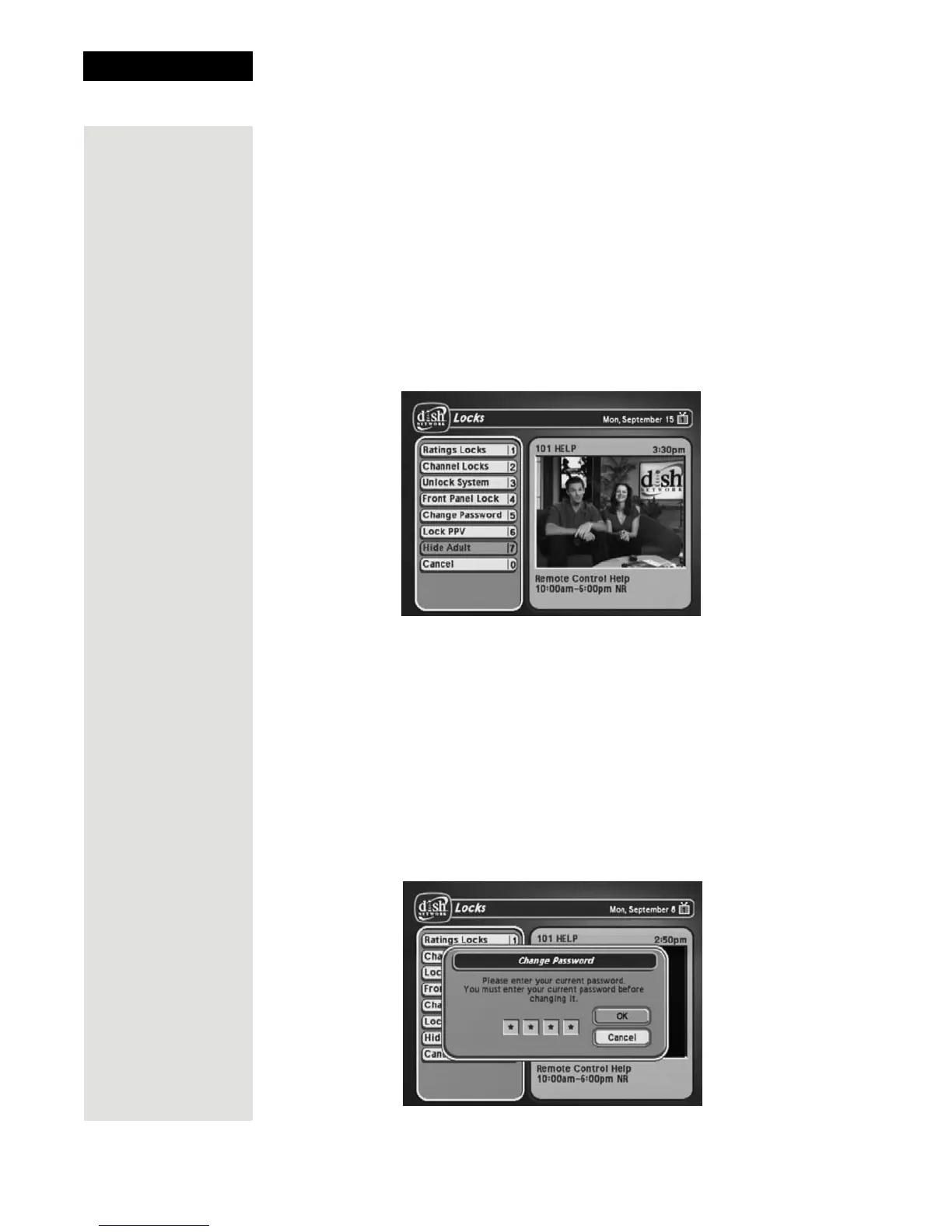
2. Select the
Locks option.
3. If the receiver is locked, enter the password using the NUMBER PAD
buttons. The receiver displays stars (*) as you enter the digits of the
password. As soon as you enter the fourth digit of the password, the receiver
highlights the
OK option. Press the SELECT button.
4. Select the
Hide Adult or Show Adult option.
Changing the Receiver Password
1. Press the MENU button.
2. Select the
Locks option.
If the receiver is locked, enter the password using the NUMBER PAD
buttons. The receiver displays stars (*) as you enter the digits of the
password. As soon as you enter the fourth digit of the password, the receiver
highlights the OK option.
3. Press the SELECT button.
4. Select the
Change Password option.













 To Next Page