Page 13
Quick Tour of the Menus
15. Press the MENU button to go back to the Main Menu.
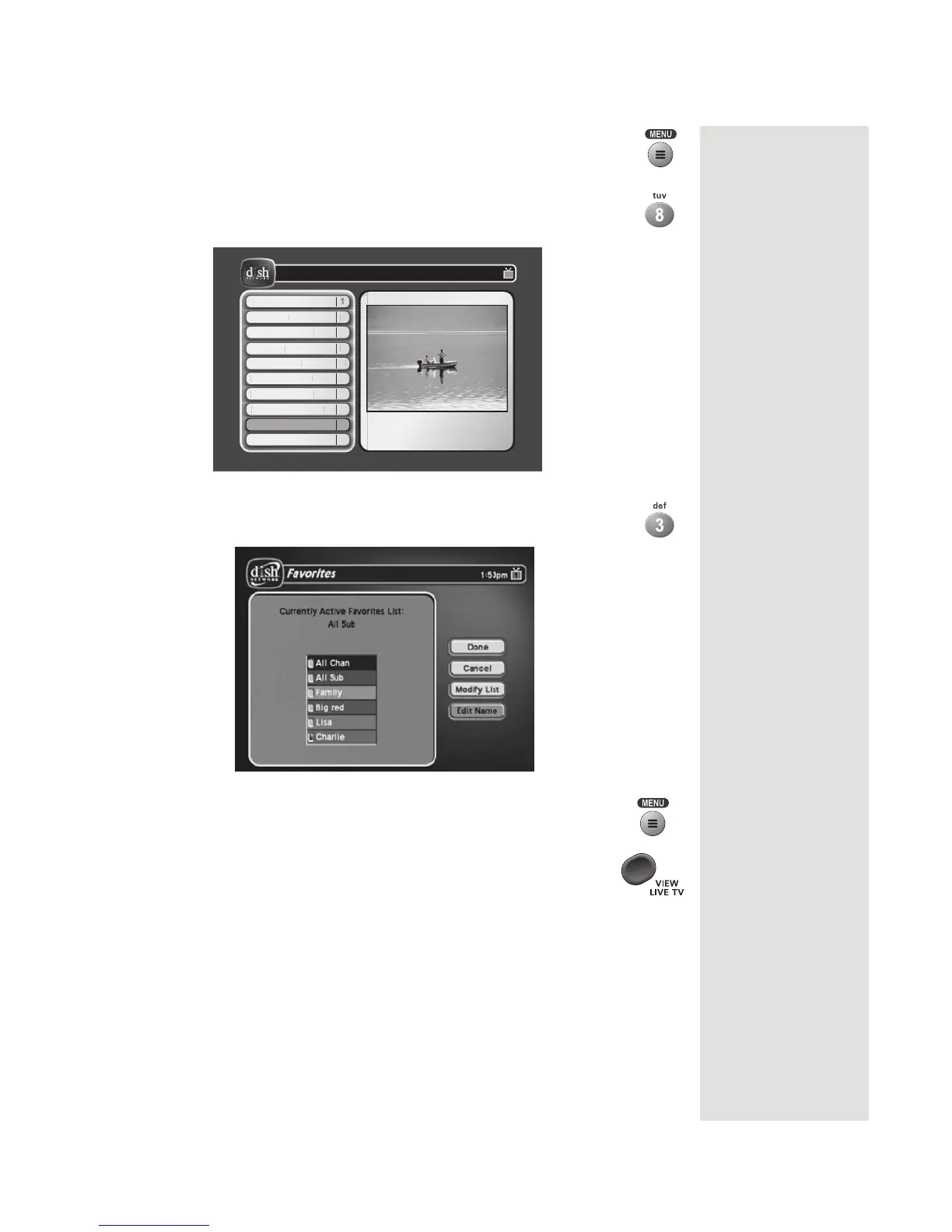
16. Press the 8 button to open the Preferences menu. This menu
allows you to set up your receiver to make it more convenient
to use.
Guide Display
1
Guide Displa
Favorites
2
Favorite
Alternate Audio
3
lternate Audio
Updates
4
Update
Record Plus
5
Record Plu
Channel Order
6
hannel
rde
Closed Caption
7
Closed Ca
tion
Inactivity Standby
8
Inactivity Standb
Mode Reminder
9
1
Preferences
Thursday, October 2
11:25 am
205 FXNWS205 FXNWS
DaySide
11:00am - 12:00pm NR
M
R
min
Cancel
0
17. Press 3 to open the Favorites menu. This menu allows you to
set up lists of your favorite channels to make finding what you
want to watch easier.
18. Press the MENU button to go back to the Main Menu.
19. Press the VIEW LIVE TV button to go back to watching a
program.













 To Next Page