Chapter 1
Page 12
Introduction
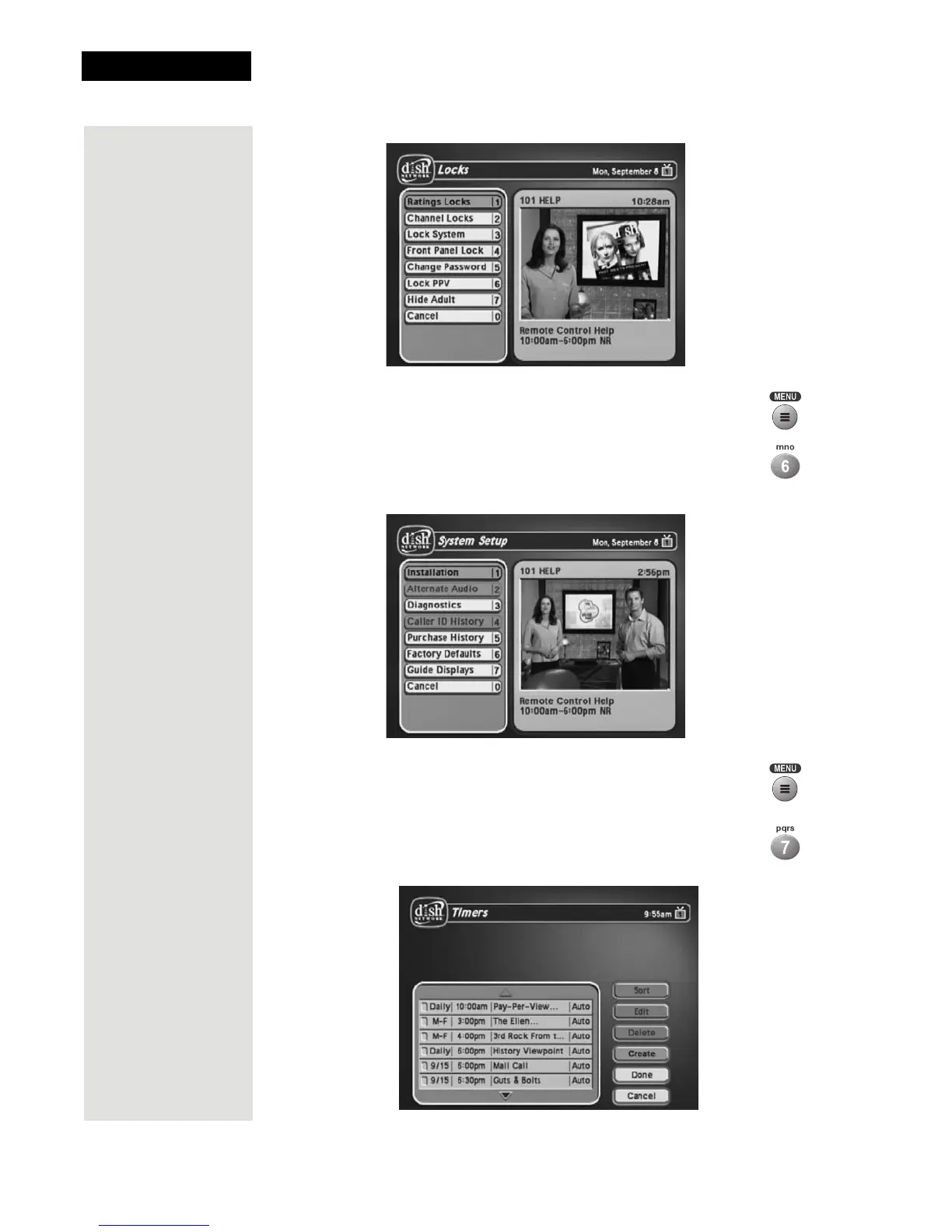
11. Press MENU to go back to the Main Menu.
12. Press the 6 button to select the System Setup option on the
Main Menu. Use this menu to set up the system the way you
want.
13. Press MENU to go back to the Main Menu.
14. Press the 7 button to select the Timers option on the Main
Menu. This menu is used for creating and changing timers
used to trigger automatic channel changes, reminders, or DVR
recordings.













 To Next Page