Page 89
Using Themes and Search
5. Select Search.
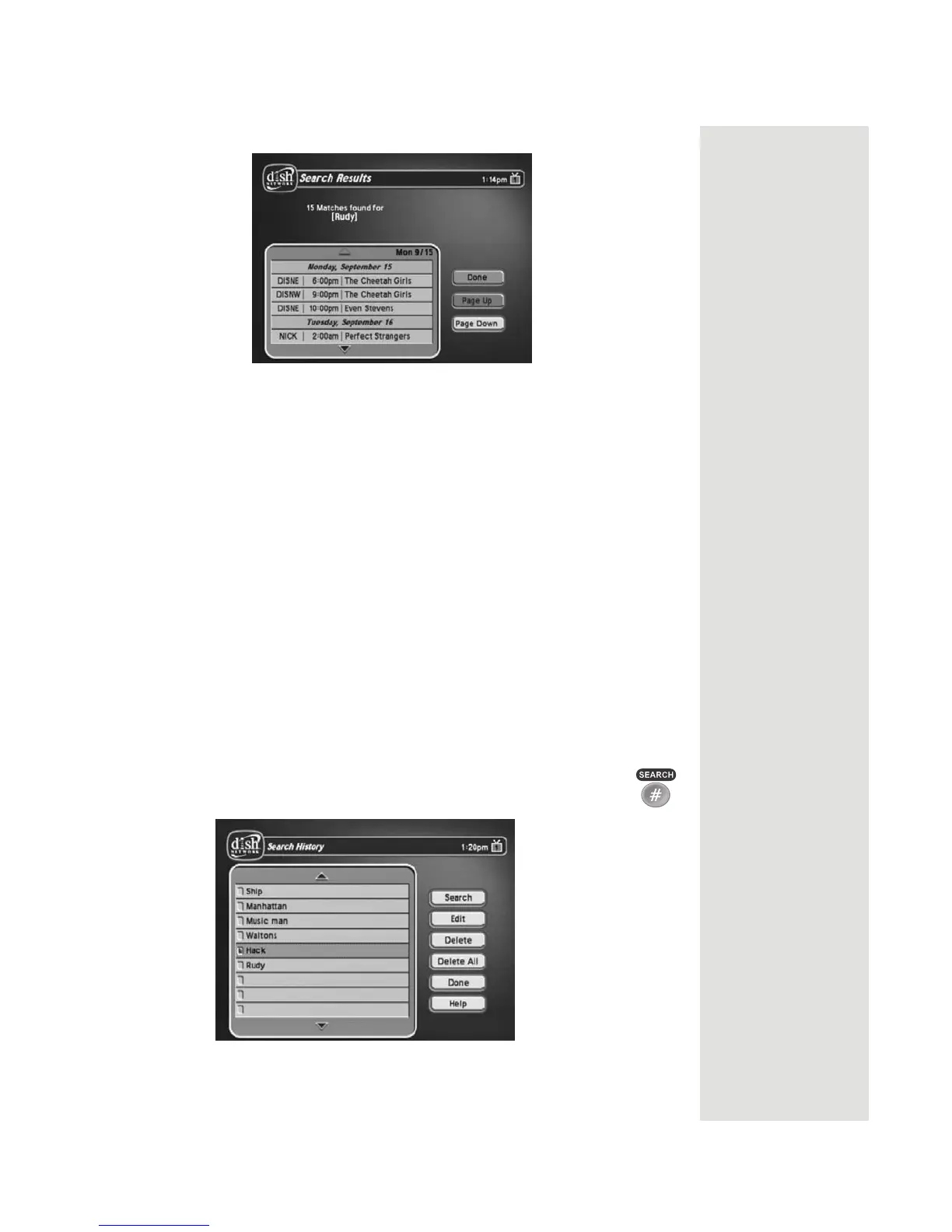
6. When the receiver displays the Search Results you have the following
options:
• Use the UP and DOWN ARROW buttons to scroll through the results.
• Use the PAGE UP and PAGE DOWN buttons to scroll a page at a
time.
• Select
Page Up or Page Down to scroll a page at a time.
7. Select one of the programs to watch, or select
Done to close the Search
Results screen.
Note: If you select a program that is on now, the receiver tunes to that
program. If you select a program that is on in the future, you will have to set
a timer. See page 67 for more information on using event timers.
Search History
After you have searched for programs or other information, your receiver builds
a history. TV1 and TV2 keep separate
Search History information. You can use
the
Search History instead of typing the information again with the virtual
keyboard.
1. Press the POUND (#) button to open the
Search screen.
2. Select History to display the Search History screen.













 To Next Page