Page 87
Using Themes and Search
Using Themes and Search
The Themes and Search feature of your receiver makes it easy to find
programs to watch. This menu allows you to search for programming by themes
(movies, sports, etc.) or by key words used in the program information.
Themes
You can list and choose programs by the theme of their contents, for example,
just movies or just sports. You can then quickly list programs based on that
theme, and choose the program you want.
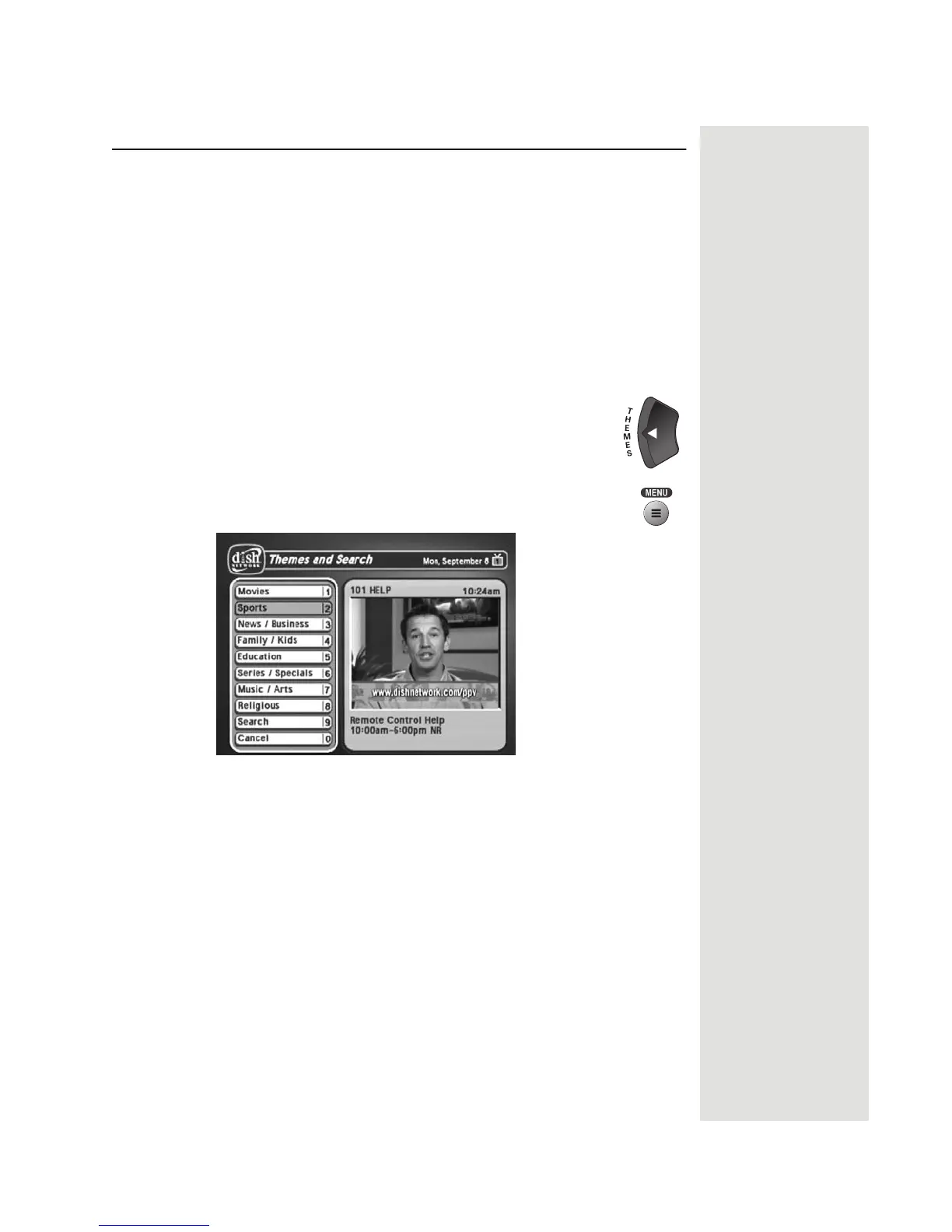
1. Open the
Themes and Search menu by doing one of the following:
• While watching a program, press the LEFT
ARROW
button.
• Press the MENU button, and then select the
Themes and
Search option.
2. Select the option for a category.
3. Select the desired program in the program list.
Note: If the program you highlighted is on some time in the future, the
receiver will open the
Create An Event Timer menu. See Using Timers on
page 67 for more information.













 To Next Page