Page 73
Watching One Program While Recording Another
• For Blacked Out Programs—If you set a timer for a program that is
blacked out in your area, when the event timer operates the receiver may
display only an error or password entry menu. If you have set a
VCR Event
Timer
, the VCR will record only that menu.
Event Timer Performance when the Receiver is Off
If the receiver is OFF at the time an Auto-Tune or DVR Event Timer is
scheduled to operate, the receiver will turn ON.
Watching One Program While Recording Another
Single Mode
While in Single Mode, you can set up the satellite receiver to record programs
while you’re also watching one you’ve already recorded.
1. Press the front panel MODE button to make sure the receiver is in
Single
Mode. The front panel
Tip: You can use
the Front Panel
Locks to prevent
the Mode from
being changed
accidentally. See
page 96 for
instructions.
of the receiver has an indicator that is marked
Single.
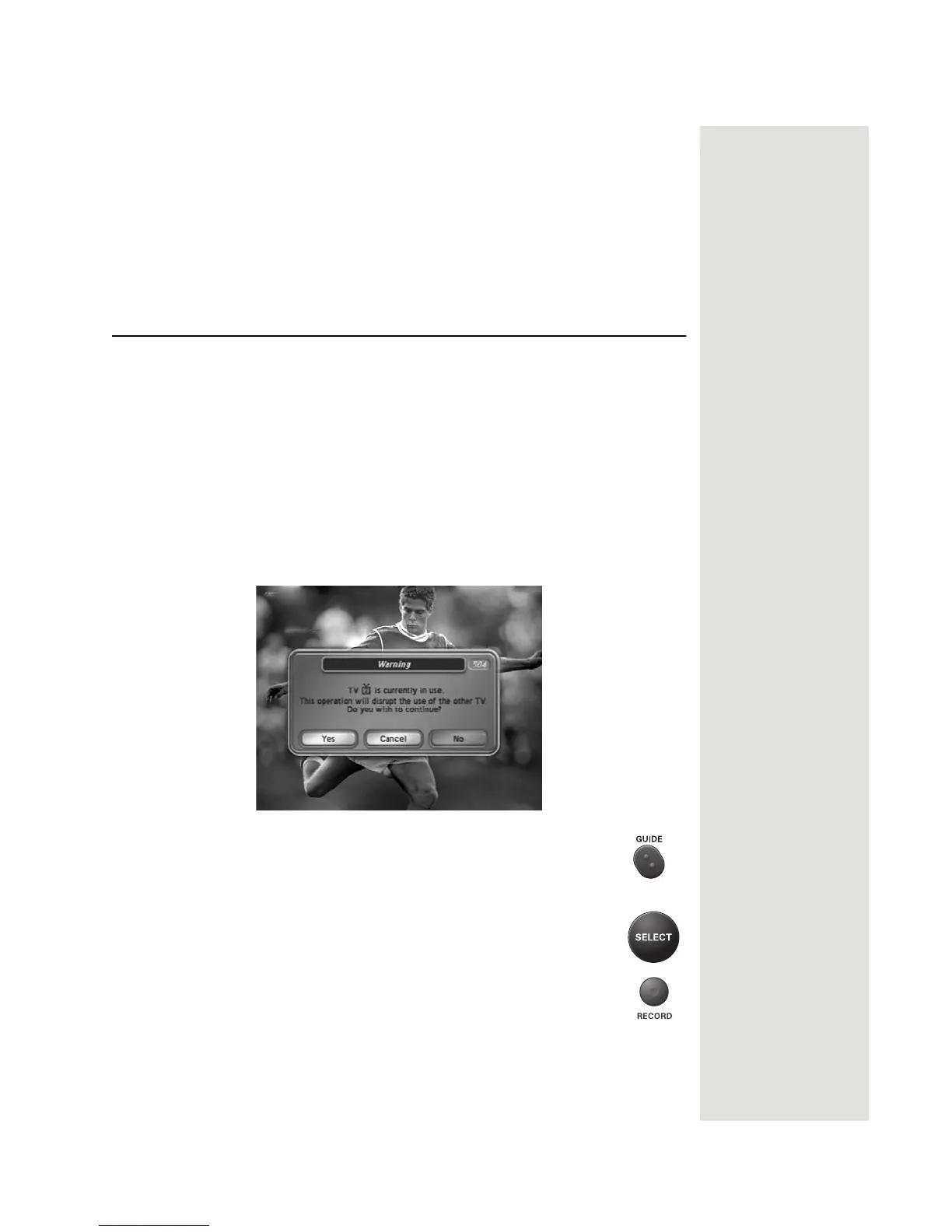
Note: If someone is using the TV2 outputs, you will see the following
popup on the nearby TV warning you that you are about to disrupt the use of
the TV2 outputs:
2. Press GUIDE to open the Program Guide. Find a program you
want to watch now.
3. Press SELECT to watch that program.
4. Press the RECORD button. A message will display asking
whether you want to record the remainder of the program. Select
OK to begin recording now.













 To Next Page