Page 11
Quick Tour of the Menus
5. Press the MENU button to go back to the Main Menu.
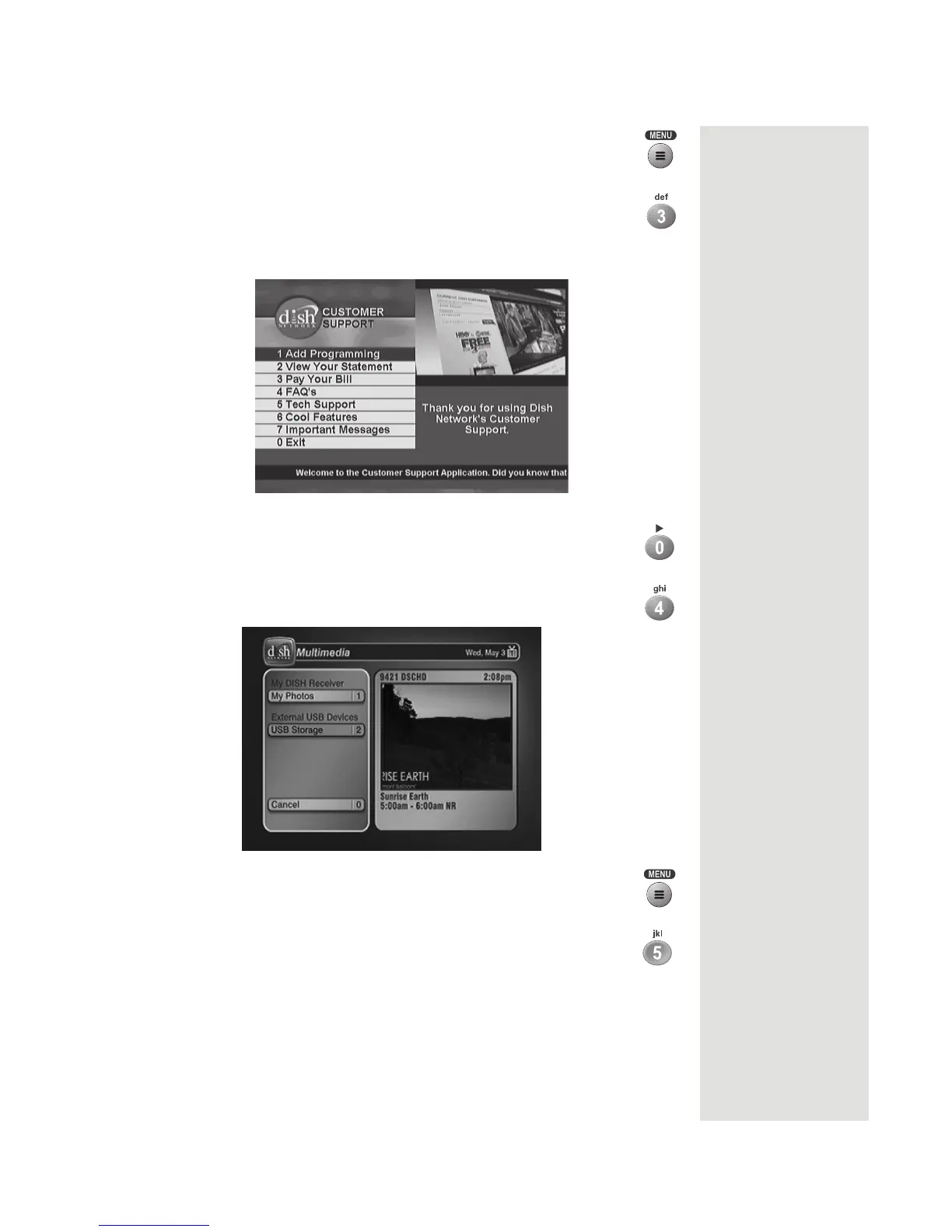
6. Press the 3 button to select the Customer Support option.
This menu
provides convenient access to your DISH Network
account to review your statement, pay your bill, upgrade
programming, and more.
7. Press the 0 button to go back to the Main Menu.
8. Press the 4 button to select the Multimedia option. You can
access content stored on an external device attached via USB.
9. Press the MENU button to go back to the Main Menu.
10. Press the 5 button to select the Locks option on the Main
Menu. This menu allows you to apply password-protected
locks on programming based on its rating, or on a channel-by-
channel basis.













 To Next Page