Page 111
Control Other Devices with the Remote Controls
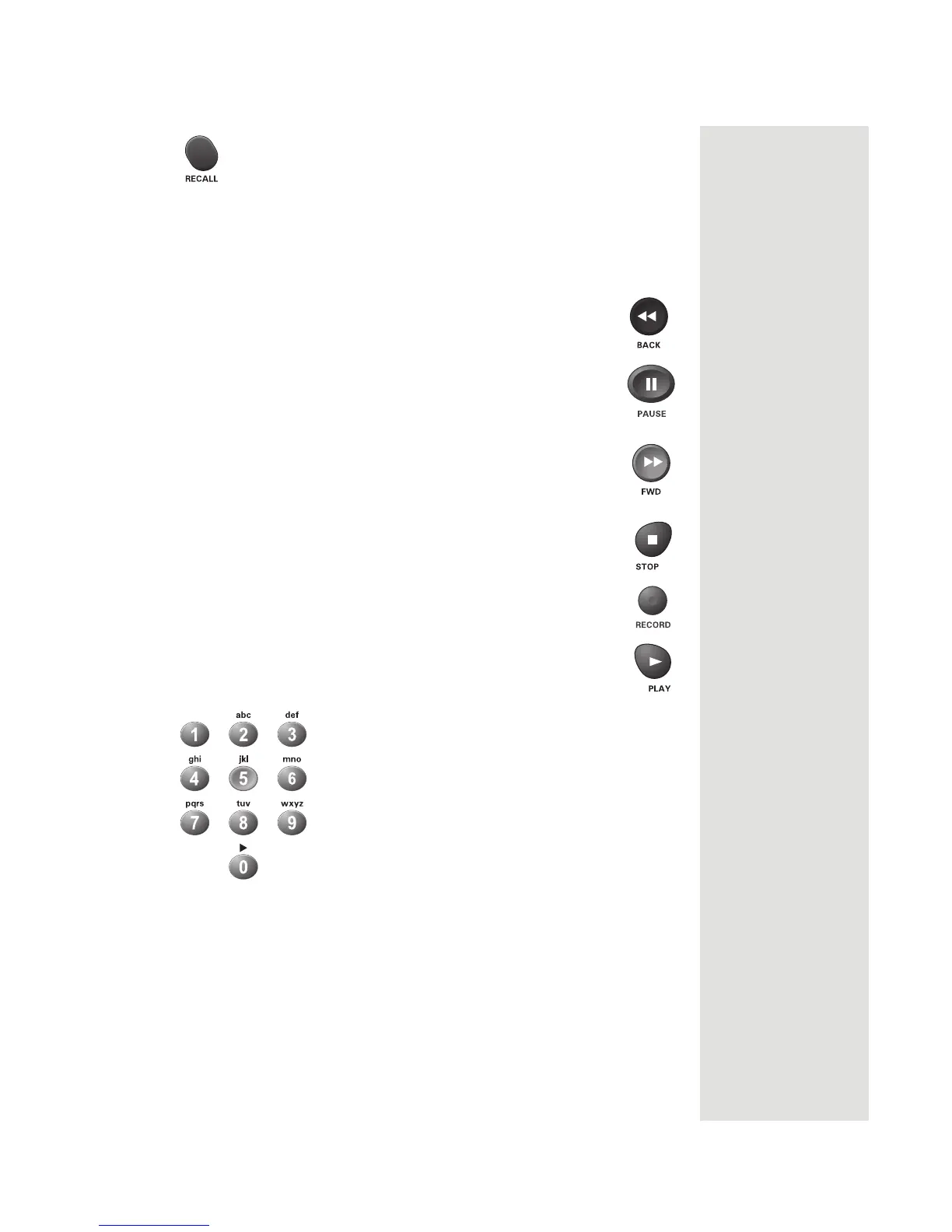
Recall Button
Press the RECALL button to go back to the last VCR-tuned channel you used.
Press it again to switch between the last two VCR-tuned channels you used.
DVD/VCR Buttons
• Press the BACK button to rewind a videotape or reverse a disc.
• Press the PAUSE button to pause a tape or disc. Press this
button or the PLAY button to go back to playing video.
• Press the FWD button to forward a videotape or disc.
• Press the STOP button to stop playing a tape or disc or to stop
a recording on a
videotape.
• Press the RECORD button to record on a videotape.
• Press the PLAY button to play or resume playing a videotape or
disc.
Number Buttons
Use to get the specific chapters on the DVD; the function of remote number
buttons depends on the device.
Note: If you are using the remote control in limited mode, the VCR will not
change channels.













 To Next Page