Chapter 2
Page 30
Receiver Description and Installation
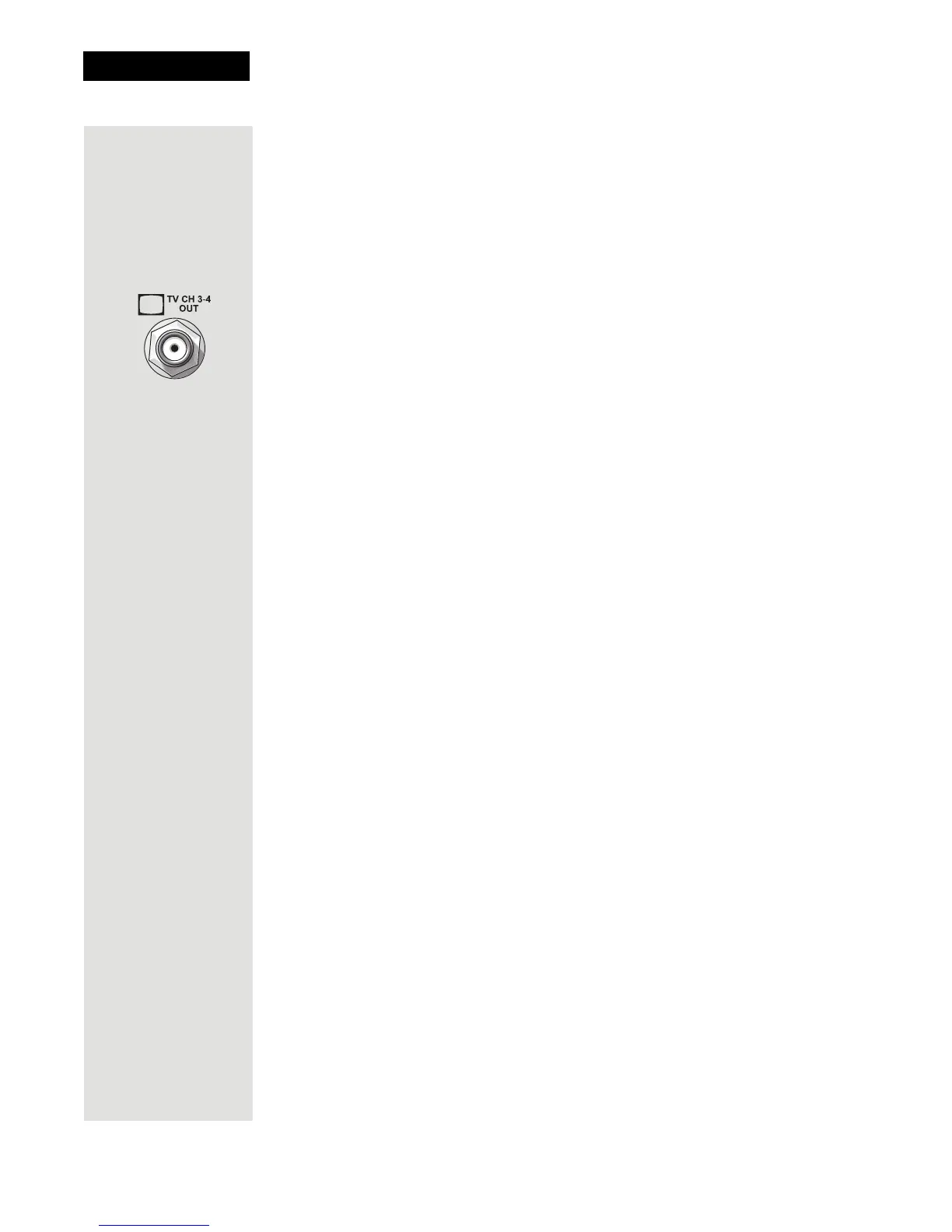
4. Turn on the receiver with the front panel power button and make sure the
green TV1 indicator is lit.
5. Turn on the nearby TV.
6. Tune the TV to channel 3.
7. You should see the
Point Dish screen.
8. If you do not see the
Point Dish screen, tune the TV to channel 4.
Note: If you want to change the channel that the CH 3-4 port provides to
your TV, see Changing the TV1 and TV2 Output Channels on page 36.
9.
If desired to remind you of which TV channel (3 or 4) to tune to watch
satellite programming, place one of the channel stickers (3 or 4) near or on
your TV. The stickers are located in the inside front cover of this guide.
RCA and S-Video Connections (TV1)
1. Connect one of the following video cables:
• RCA video cable (yellow) from the receiver TV1 outputs to the nearby
TV’s
RCA video input.
•
S-VIDEO cable from the receiver TV1 outputs to the nearby TV’s S-
VIDEO input.
2. Connect the
RCA audio cables (red and white) from the receiver TV1
outputs to the nearby TV’s audio inputs. If the TV has only one input for
this type of audio, connect it to the right (R) phono (RCA) audio output on
the receiver.
3. Make sure your nearby TV is on and set to receive TV from the correct
audio and video inputs. Refer to the instructions that came with your TV.
4. Plug in the power cord for the receiver.
5. Turn on the receiver with the front panel power button and make sure the
green TV1 indicator is lit.
6. You should see the
Point Dish screen.
Confirm Remote Control 1 Operation
Tip: In Dual Mode,
Remote Control 1
is used to control
TV1 menus on the
nearby TV. Remote
Control 2 is used to
control TV2 menus
on the remote
TV(s).
After the nearby TV has been connected to a TV1 output using one of the
methods above, do the following to confirm that the IR Remote Control 1
controls the receiver:
1. Make sure that fresh batteries are installed properly in the IR Remote
Control 1.
2. Press the SAT button to put the IR Remote Control 1 in SAT mode to
control the satellite receiver.
3. Use the Remote Control 1 arrow keys to move around the
Point Dish
screen. If you are able to move around in the Point Dish screen, you
confirmed that Remote Control 1 is controlling the receiver.













 To Next Page