Chapter 2
Page 40
Receiver Description and Installation
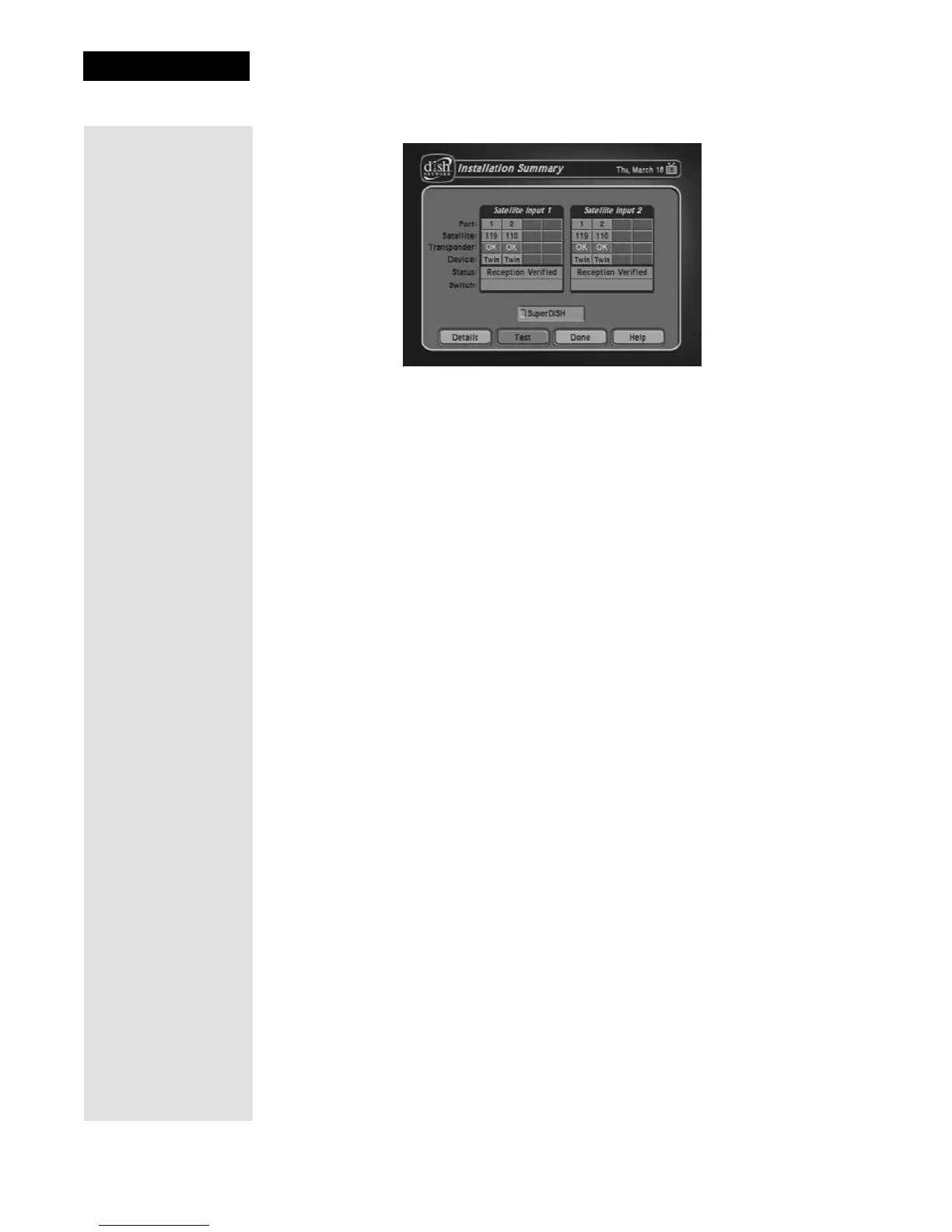
6. Make sure that the information on the Installation Summary screen
identifies your system correctly and shows all transponders for all satellites
in your system. Your screen may look different from the example above,
depending on the dish antenna system you are using.
7. Select
OK to go to the Point Dish/Signal screen.
8. Select
Cancel to exit the Point Dish menu. An Attention screen will open
asking the mounting and positioning of your dish is complete with a
Locked indication in the Point Dish screen. If the answer is yes, select
Yes.
9. After you select Yes, the receiver begins taking a software upgrade. You
will see a Warning that Vital program information will now be
downloaded into your receiver. You will also see a status bar showing the
progress of this upgrade.
10. Once the software upgrade is complete, you will see a message that your
receiver’s memory is being upgraded.
11. Do not disturb the receiver while the receiver’s memory is being upgraded.
Note: If you are installing other DISH Pro or DISH Pro Plus receivers, be
sure to run
Check Switch on all of them, and allow them to take the
necessary software upgrade.
12. When the memory upgrade is complete, you should be watching TV. Your
dish antenna installation is now complete.













 To Next Page