Chapter 3
Page 54
Using the System
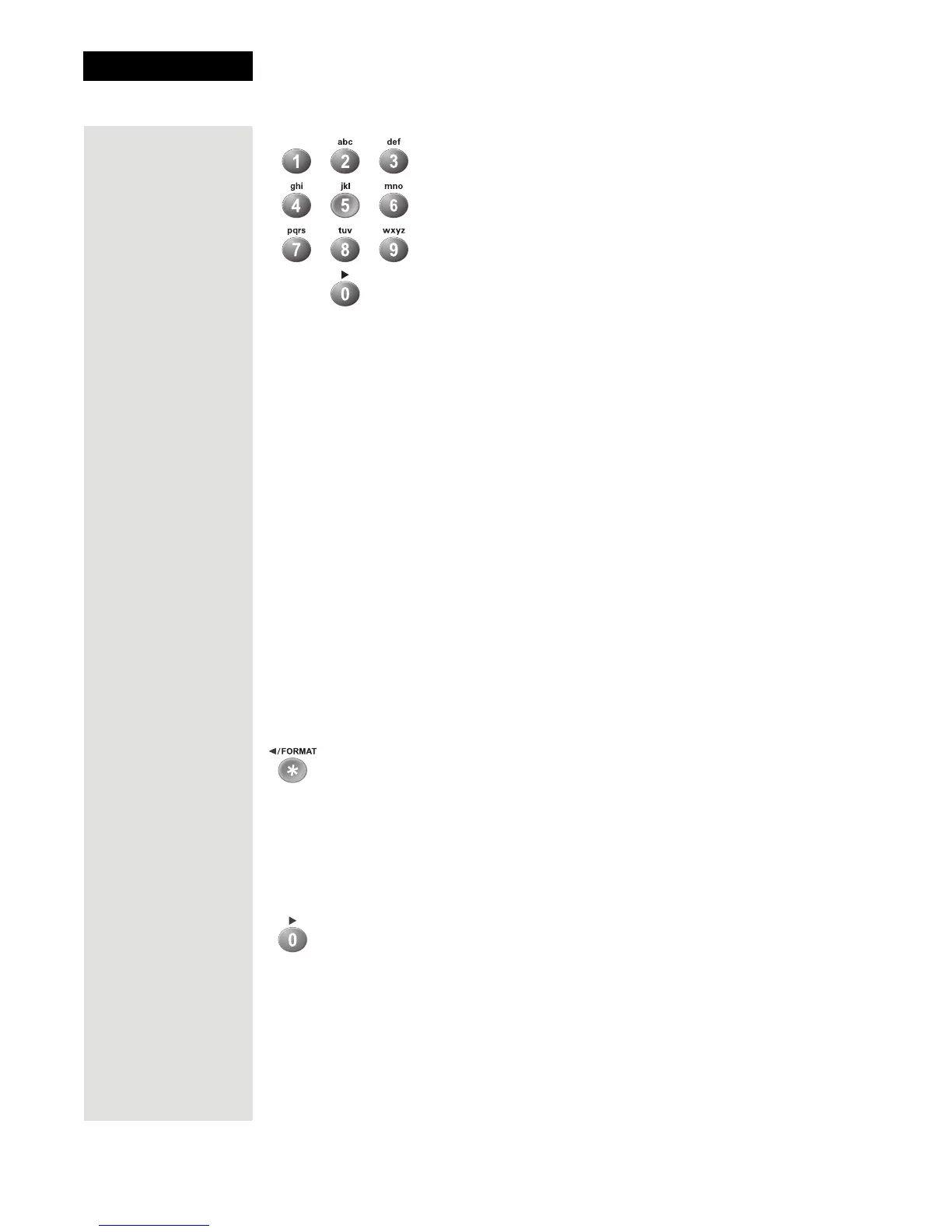
Number Pad Buttons
When watching a program or with the Program Guide open, use these buttons
to enter a channel number to change to that channel.
• When the
Program Guide is open, you can skip ahead and then back a
number of hours. Just enter the number you want to skip ahead (or back),
and then press the RIGHT (or LEFT) ARROW button.
• Use these buttons to enter menu option numbers instead of highlighting the
option and then pressing the SELECT button.
• Use these buttons to enter numbers in a menu:
– Highlight the place where you want to enter the first number, and press
the appropriate number buttons on the remote.
– Use the LEFT or RIGHT ARROW button to move the highlight to the
next place where you want to enter a number. When you are done
entering numbers, press SELECT.
• Use the letters above the NUMBER PAD buttons (like you do on some cell
phones) while in the
Search menu. For example, when looking for the
channel and times to watch Rudy Fremmel Presents, you press 7 three times
for an R, 8 two times for a U, 3 one time for a D, and 9 three times for a Y
to spell the word “Rudy” (see Using Themes and Search on page 87).
Star Button
Press the STAR button to:
• Open the
DVR Events menu.
• Backspace without deleting while using the
Search feature (see Search on
page 87).
Zero Button
Press the ZERO button to forward space while using the search function of your
receiver.













 To Next Page